15
PLAATO Functions
How to reset
Resetting PLAATO can be necessary when the local WiFi-network is
changed in any way, or if unexpected problems occurs.
Connect PLAATO to power
One or more of the LEDs on the airlock will lit up
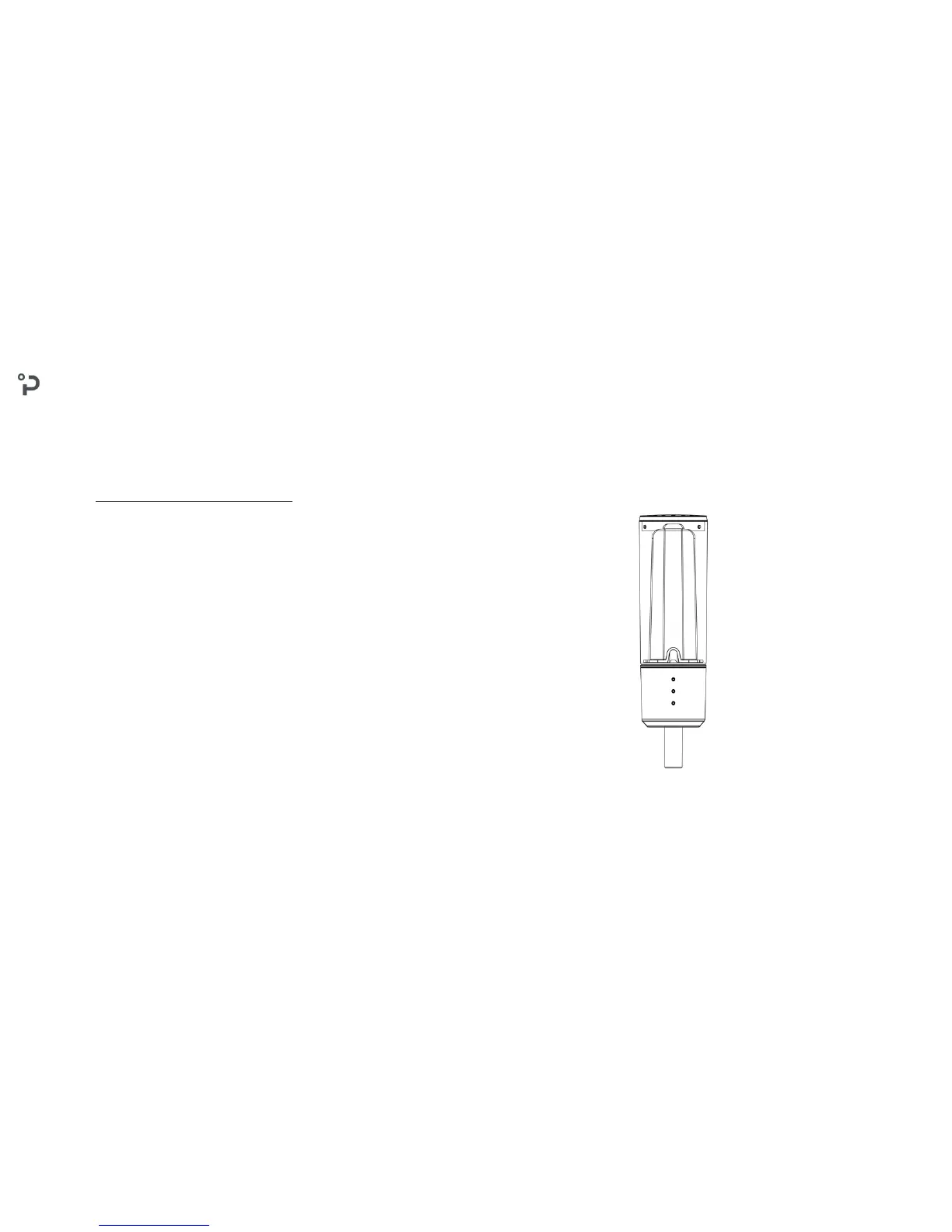
Remove the «sensor part» (D) from the airlock(A), and flip it up side down
Keep the power plugged in
Push the flipped «sensor part» towards the airlock
Ensure that the tip on airlock connects with the «sensor part», leaving no gap between the two parts
Reset is completed after 3 seconds when all three LEDs light up
Plaato is now reset, and a new «first time use»-setup is required before use
1.
2.
3.
4.
Reset procedure
PLAATO AIRLOCK - USER MANUAL 2017 - V. 0.0


 To Next Page