Setting up your PLAATO Airlock
First time use
Note
The Plaato Airlock connects to your local WiFi-network. The setup is a one-time operation.
Connect Plaato Airlock to a standard USB-charger (5V, 0.5-5A), using the supplied USB-
cable.
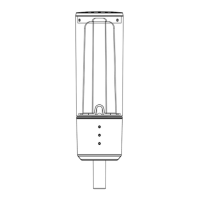
The three LEDs on the airlock will now all light up, indicating that the device is in «Setup-mode»
1.
2.
3.
4.
Download the «Plaato» app on your smart phone
Create an account and log in.
Follow the setup guide
Ensure that your Plaato is powered and in a WiFi-network
You are all set!
Plaato is now connected, and will remember the WiFi credentials at every power up - unless you reset (p. 4)
LEDs should breath slowly
2
www.plaato.io/getting-started
PLAATO AIRLOCK - USER MANUAL 2017 - V. 0.0


 To Next Page