8
Basic Operation and Calibration/Reset Instructions
Before using the Touch LED LCD Monitor:
Connect external equipment properly.
Insert the power plug, and the power LED indicator will light orange.
Power On/Off
To turn the Touch LED LCD Monitor on/off:
Press Power button on the front right side. The power LED indicator light will be blue when
the Touch LED LCD Monitor is on.
Using the OSD Menu
Use OSD menus to adjust settings by using the menu button on the front of the Touch LED LCD
Monitor.
Displays main menu
1
Exits from OSD menu
2
Selects between VGA, HDMI, DisplayPort or Auto mode
Select the desired item when in OSD menu
▼
When not in OSD menu, directly enters Picture Mode, press 3 seconds
enters Auto Image Adjust.
Select the desired item when in OSD menu
▲
When not in OSD menu, directly enters Audio Adjust menu, press 3
seconds enters Mute mode.
▼ + ▲
Recalls both Contrast and Brightness (when not in OSD menu)
OSD Lock Out Function
When Touch LED LCD Monitor is in normal mode, the “OSD Lock Out” function can be enabled.
Option 1: OSD lock – all 4 buttons are locked except the “POWER” button.
Press and hold the 1 button and the ▲ button for 10 seconds to lock the OSD buttons.
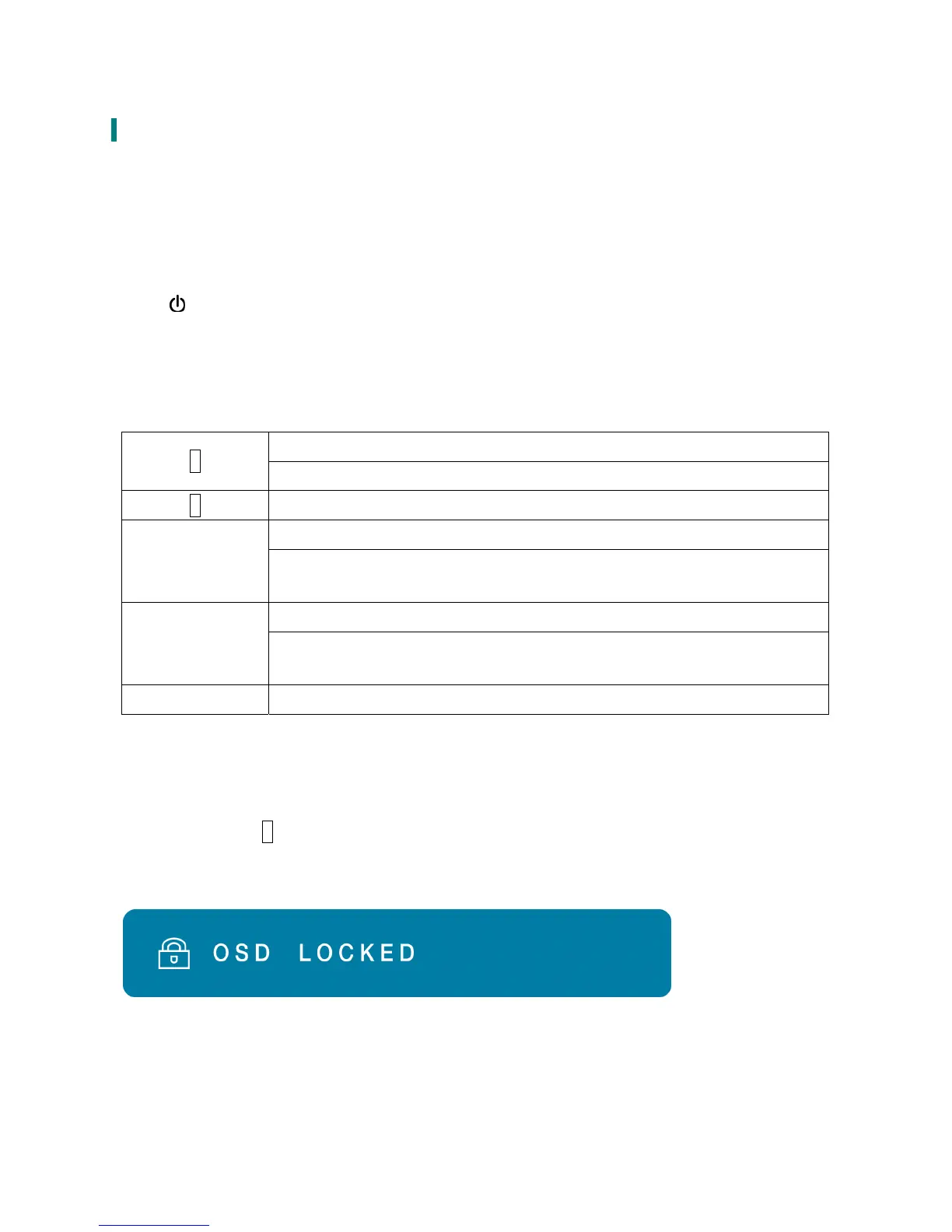
The Touch LED LCD Monitor will show an “OSD LOCKED” message for 3 seconds and the
message will disappear automatically.
Repeat this step to unlock.



 To Next Page