15
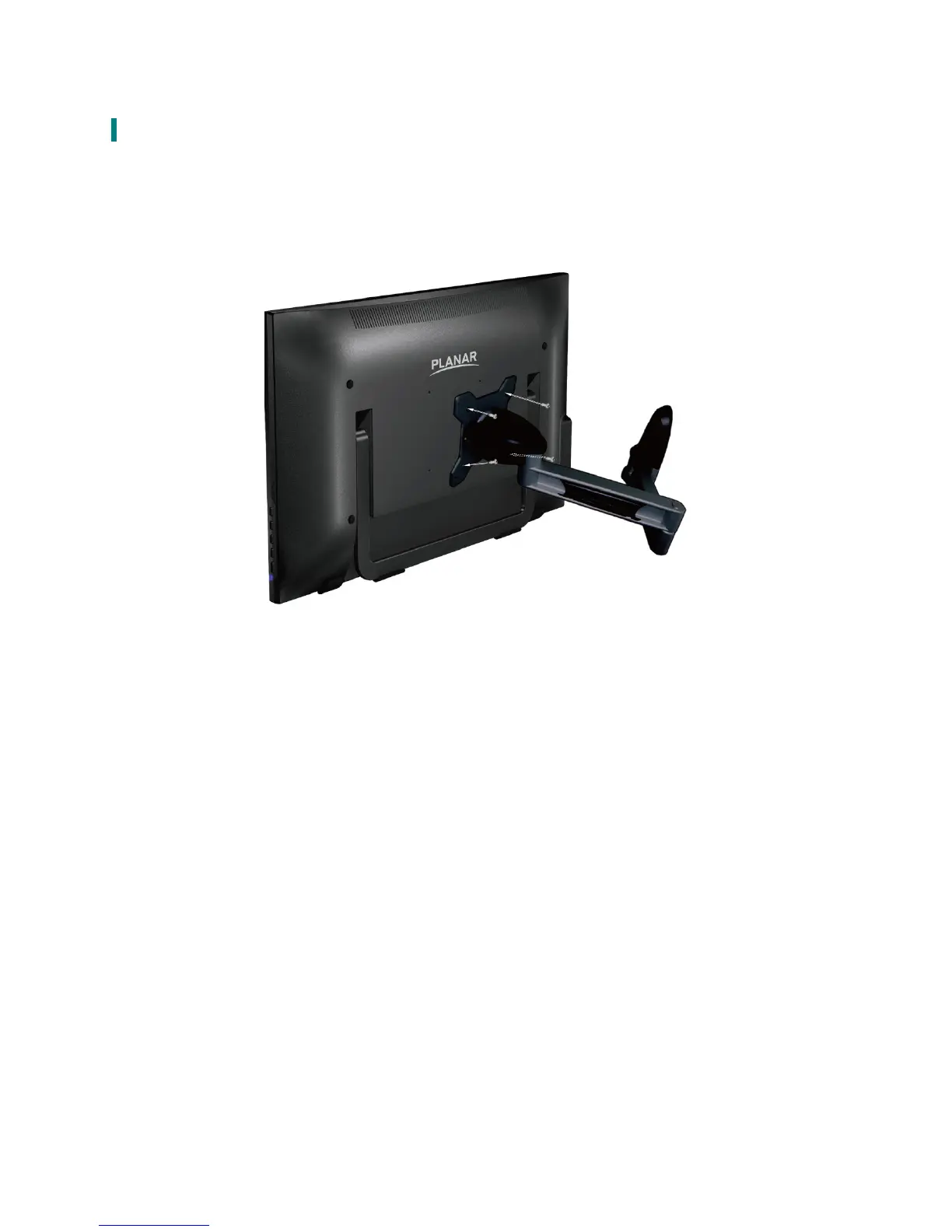
Wall-Mount Installation Instructions
Wall Mount Arm not included
Turn the power OFF then disconnect the cables from the Touch LED LCD Monitor before
performing the procedure below.
1. Lay the Touch LED LCD Monitor face down on a soft surface.
2. Follow instructions included with the Wall Mount kit.
NOTE
100mmx100mm VESA hole pattern (n=4), M4, pitch =0.7 mm



 To Next Page