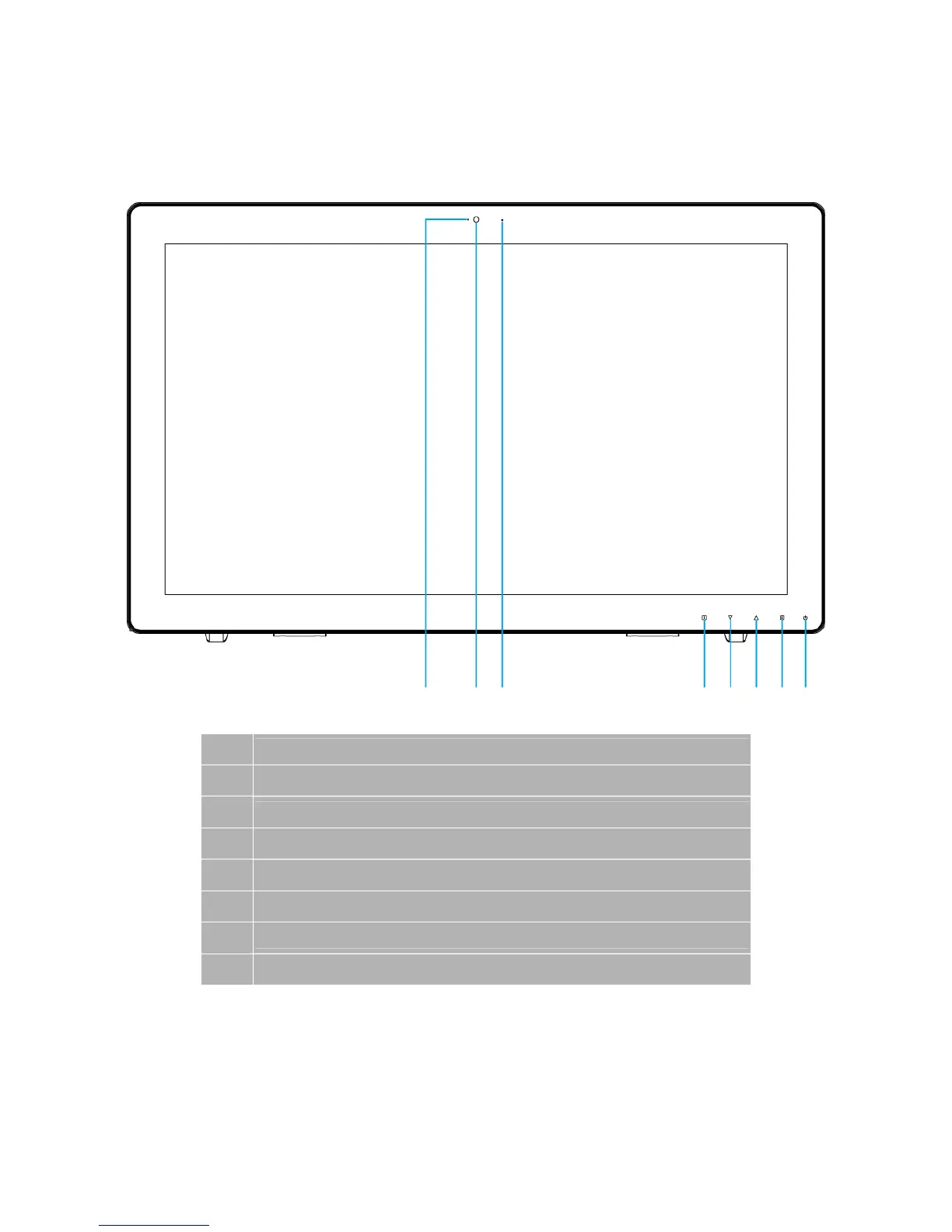
Front View of the Product
① ② ③ ④ ⑤ ⑥ ⑦ ⑧
①
Webcam LED indicator
②
Webcam
③
Microphone
④
OSD Turn On/ Off
⑤
Scroll Down/ Adjust Decrease/ Audio Adjust/ Auto *
⑥
Scroll UP/ Adjust Increase/ Picture Mode *
⑦
Input select/ Confirm Selection
⑧
Power On/ Off/ LED Indicator
* Hot keys Instructions please see “Using the OSD Menu” on page 10.
6



 To Next Page