12
OSD lock out Function
When LED LCD Monitor is on and the OSD menu is not activated, the “Lock Out” function can
be enabled.
Option 1: OSD lock-all 4 buttons are locked except the “POWER” button.
Press and hold the button for 5 seconds to lock the OSD buttons.
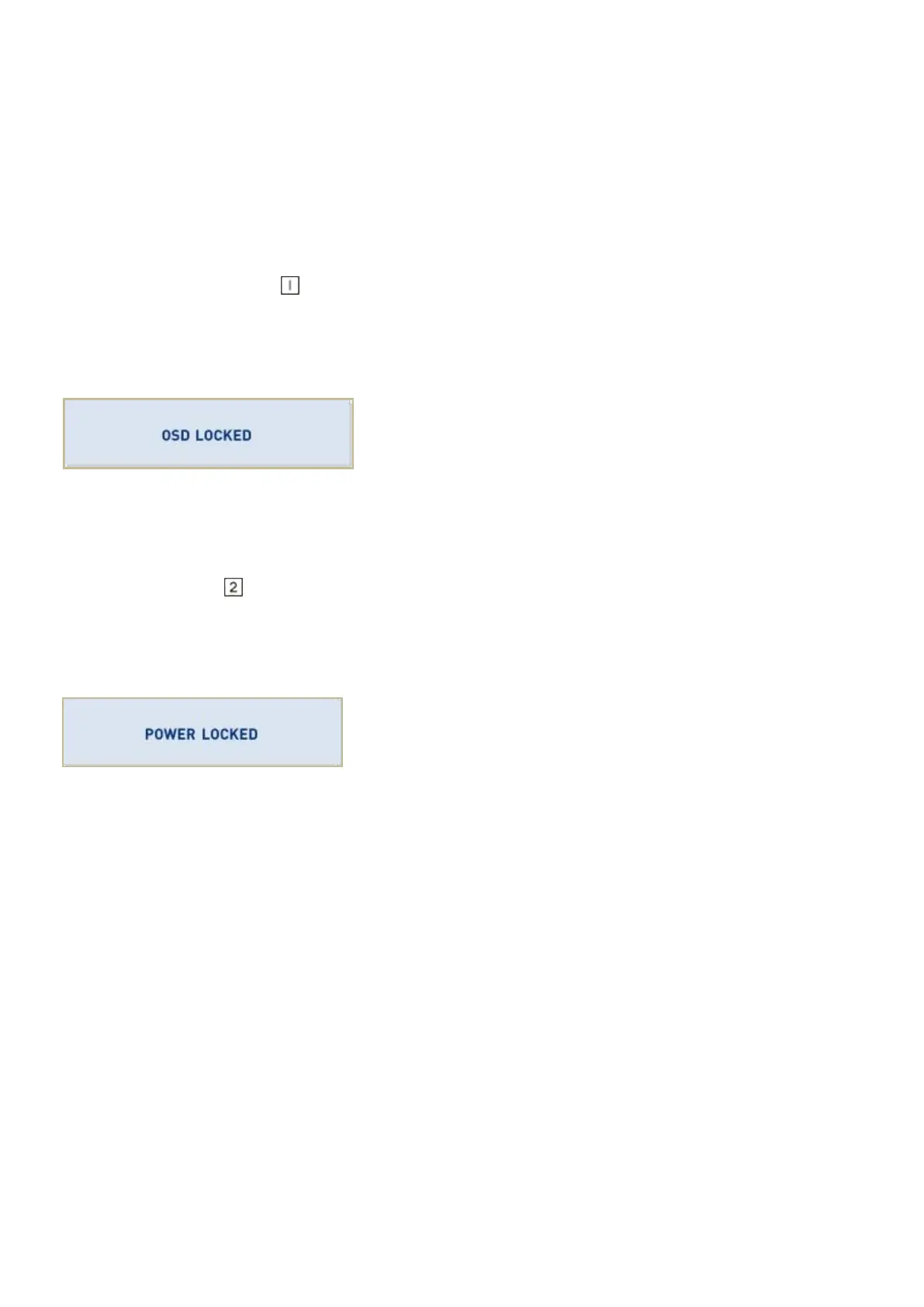
The LED LCD Monitor will show an “OSD locked” message for 5 seconds and the message will
disappear automatically.
Repeat this step to unlock.
Option 2: OSD & Power button lock-all 5 buttons including the “POWER” button are locked.
Press and hold the button for 5 seconds to lock all 5 buttons.
The LED LCD Monitor will show a “Power button locked” message for 5 seconds and the
Message will disappear automatically.
Repeat this step to unlock.



 To Next Page