11
Basic Operation
Before using the LED LCD Monitor:
Connect external equipment properly.
Insert the power plug, and the power LED indicator will light orange.
Power On/Off
To turn the LED LCD Monitor on/off:
Press button on the back. The power LED indicator light will be blue when the LED LCD
Monitor is on.
Using the OSD Menu
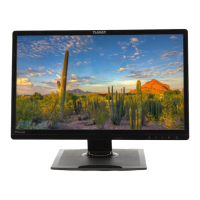
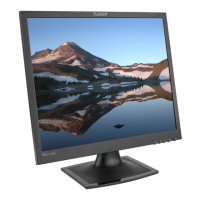
Use OSD menus to adjust settings by using the menu button on the front of the LED LCD
Monitor.
Selects between VGA or HDMI
Select the desired item when in OSD menu
When not in OSD menu, directly enters Brightness Menu
Select the desired item when in OSD menu
When not in OSD menu, directly enters Blue Light Reducer Menu



 To Next Page