9
Advanced Operation—OSD Menu
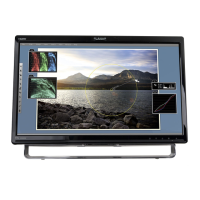
You can use the OSD menu to adjust various settings for your Touchscreen LED Monitor.
Press the 1 button to display the OSD Menu, and use ▲▼ to select the desired OSD menu.
Short Cuts Function from the button(s)
Auto Image Adjust: To auto adjust Horizontal Position, Vertical Position, Phase (Fine
Tune) and Clock (H. Size) of the screen.
Contrast: To adjust the foreground white level of screen image.
▲: increase contrast, ▼: decrease contrast.
Brightness: To adjust the luminance of the video.
▲: increase brightness, ▼: decrease brightness.
ECO Mode: Allows the user to turn the ECO On or Off. Contrast and Brightness
adjustment disabled when ECO is active.
Over Drive: Allows the user to turn the Over Drive On or Off. Improve the quality of the
motion pictures.


 To Next Page
 Loading...