C S 3
41
ELECTRONICS
US ER INT E RFA CE PARA METE RS
FIG .1
FIG .1
FIG .1
FIG .1
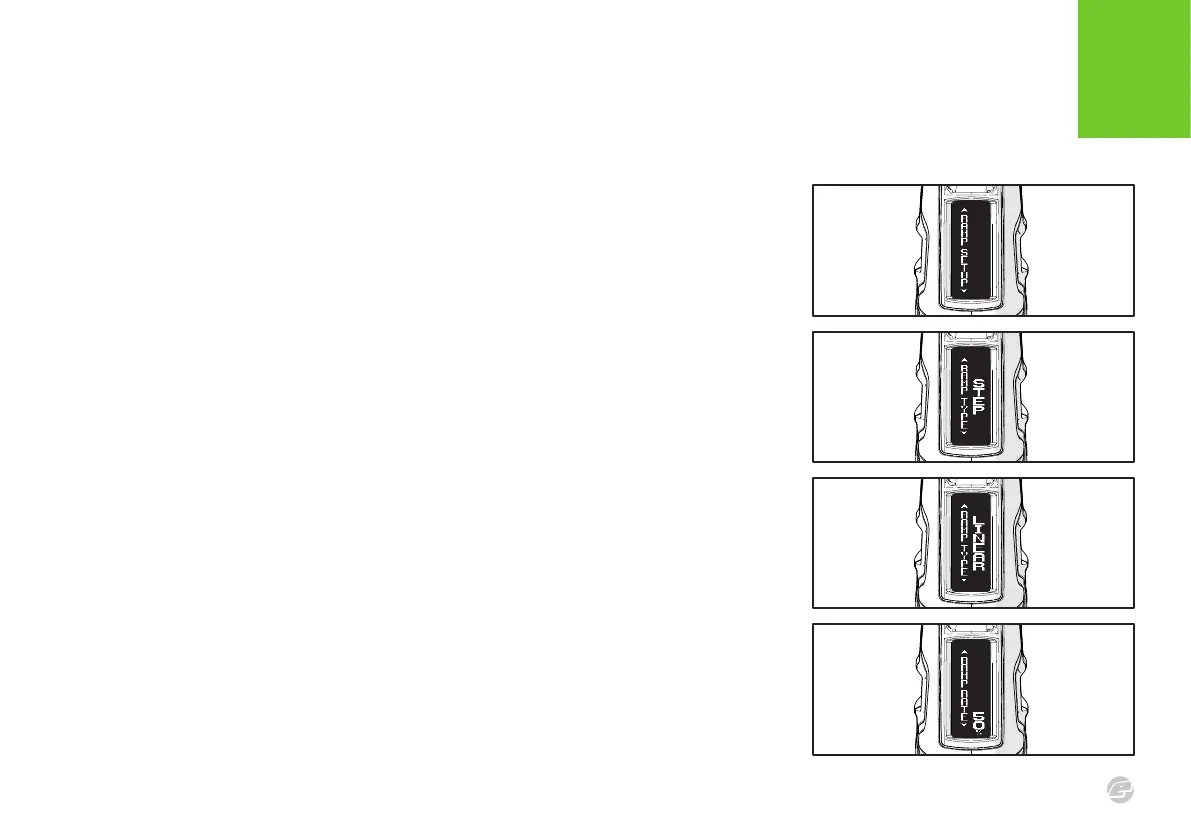
RAMP SETUP MENU
This menu is only visible when RAMP has been selected for the FIRE MODE parameter.
RAMP TYPE PARAMETER
Select the type of ramping required:
> STEP
The marker will fire in semi-automatic until a number of trigger pulls (set by SEMI SHOTS)
have been made at a minimum pull rate (set by KICK IN). The marker will then fire at up to
the maximum rate of fire (set by BS ON ROF) as long as the trigger is continually pulled at
a required rate (set by SUSTAIN).
> LINEAR
The marker will fire in semi-automatic until a number of trigger pulls (set by SEMI SHOTS)
have been made at a minimum pull rate (set by KICK IN). The rate of fire will then equal
the rate of trigger pulls increased by a percentage (specified by RAMP RATE) up to a
maximum rate of fire (set by BS ON ROF). Ramping is maintained as long as the trigger is
continually pulled at a required rate (set by SUSTAIN).
RAMP RATE PARAMETER
Only visible when the RAMP TYPE parameter is set to LINEAR, this sets the percentage
increase in rate of fire over rate of trigger pulls.
If the RAMP RATE is 50% and the trigger is pulled at 10 bps then the actual rate of fire is 15
bps (10 + 50%). This parameter can be set between 0 and 100% in 10% increments.















 To Next Page