12
6.2 Searching Serial Device Server
First click “Add Device” and then click “Search” if Serial Server has
access to network, as shown below.
6.3 Serial Server Login
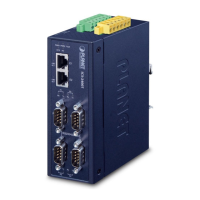
The ICS-2200T/ICS-2400T Serial Server is password protected, so user
can’t modify any settings. The user must rst log in the ICS-2200T/
ICS-2400T if the password is correct; the status will become “Logged
in”. On the contrary, if the password is incorrect, the status will pop
up an error window.

 To Next Page
 Loading...