11
4.WiredNetworkConguration
AcomputerwithwiredEthernetconnectionisrequiredfortherst-timeconguration
of the NMS-360 Controller.
RJ45/UTP Cable
PC / Workstation with
Web Browser 192.168.1.x
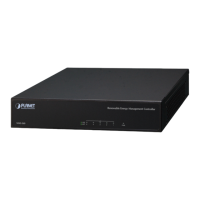
NMS-360
IP Address: 192.168.1.100
1. Go to “Control Panel-> Network and Sharing Center-> Change Adapter
Settings”.
2. Double-click “Local Area Connection”.
3. Select “Internet Protocol version 4 (TCP/IPv4)” and click “Properties”.
4. Select “Use the following IP address” and then click the “OK” button
twice to save the conguration. For example, the default IP address of the
NMS-360 Controller is 192.168.1.100, then the manager PC should be set to
192.168.1.x (where x is a number between 1 and 254, except 100), and the
default subnet mask is 255.255.255.0.


 To Next Page
