12
5. Entering into the Web Management
Default IP Address: 192.168.1.100
Default Management Port: 8888
Default Username: admin
Default Password: admin
Launch the Web browser (Google Chrome with seamless mode is recommended.)
and enter the default IP address “https://192.168.1.100:8888”. Then, enter the
default username and password shown above to log on to the system.
* The secure login with SSL (HTTPS) prex is required.
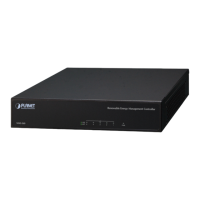
After logging on, connect the NMS-360 Controller to the managed network to
centrally control PLANET managed devices.


 To Next Page
