Chapter 2: Installing
2.1 Overview
The installation of 200M Pass-Through Adapter will only take minutes. No need
to set up long wires through out the house, just simply install the utility, and
physically plug the unit into the wall outlet, then to connect RJ-45 to the computer.
Users can select to adjust its security functions and the platform of the network
after the installation. For further assistance, please read our Frequently Asked
Questions section in our Web site.
2.2 Running the InstallShield Wizard
Please verify that no other Powerline Management Utilities are installed before
installing this product. If other utilities were installed, uninstall them and restart
before installing this software.
To install, insert the utility CD into the computer's CD-ROM drive. The main page
shall pop up, then to press the link to install the software. Alternatively this can
also be done manually by double clicking the setup.exe file on the CD.
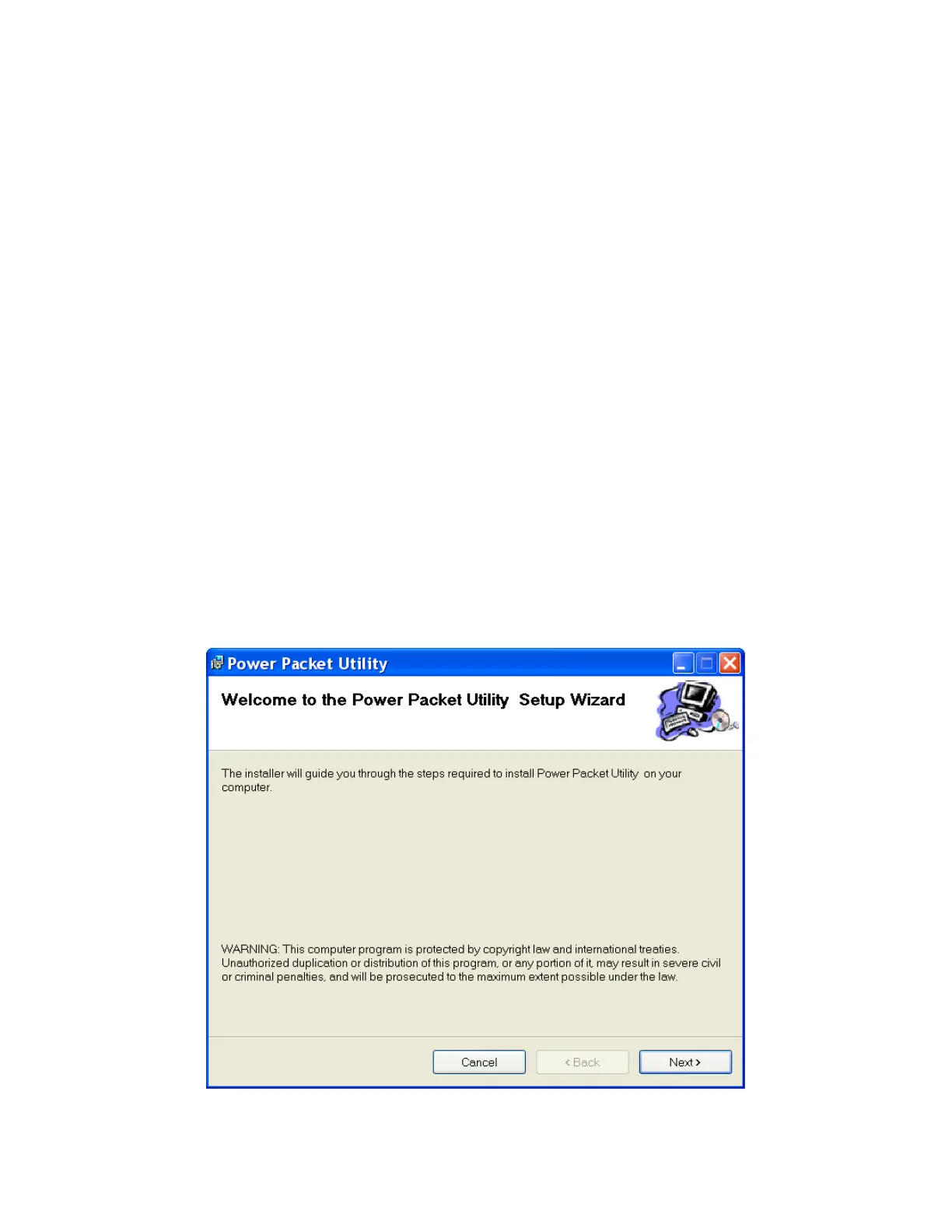
Once the software is loaded, it will display a dialog as following, and please click
on ‘Next’ to continue the installation.
10



 To Next Page