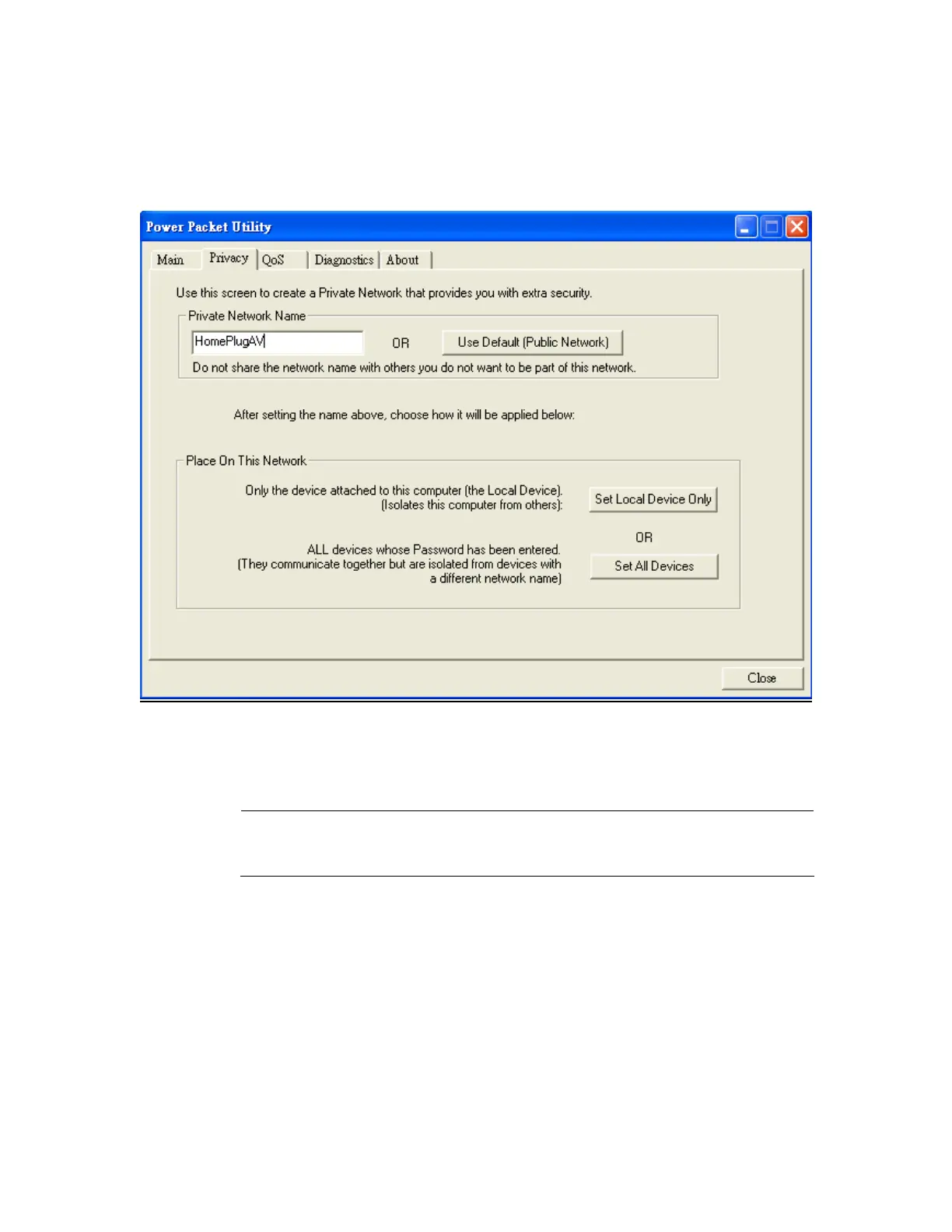
3.3 Privacy
Setting Up Security on a Local Powerline device
The Privacy tab will allow you to change the Network Password to the unit that
is currently connected to this computer. This network password encrypts all data
that is sent from this unit using 128-bit data encryption standard (AES).
Note
Every unit on your home network MUST have the same Network
Password for connectivity to be established throughout your home.
The default network password is “HomePlugAV”
17



 To Next Page