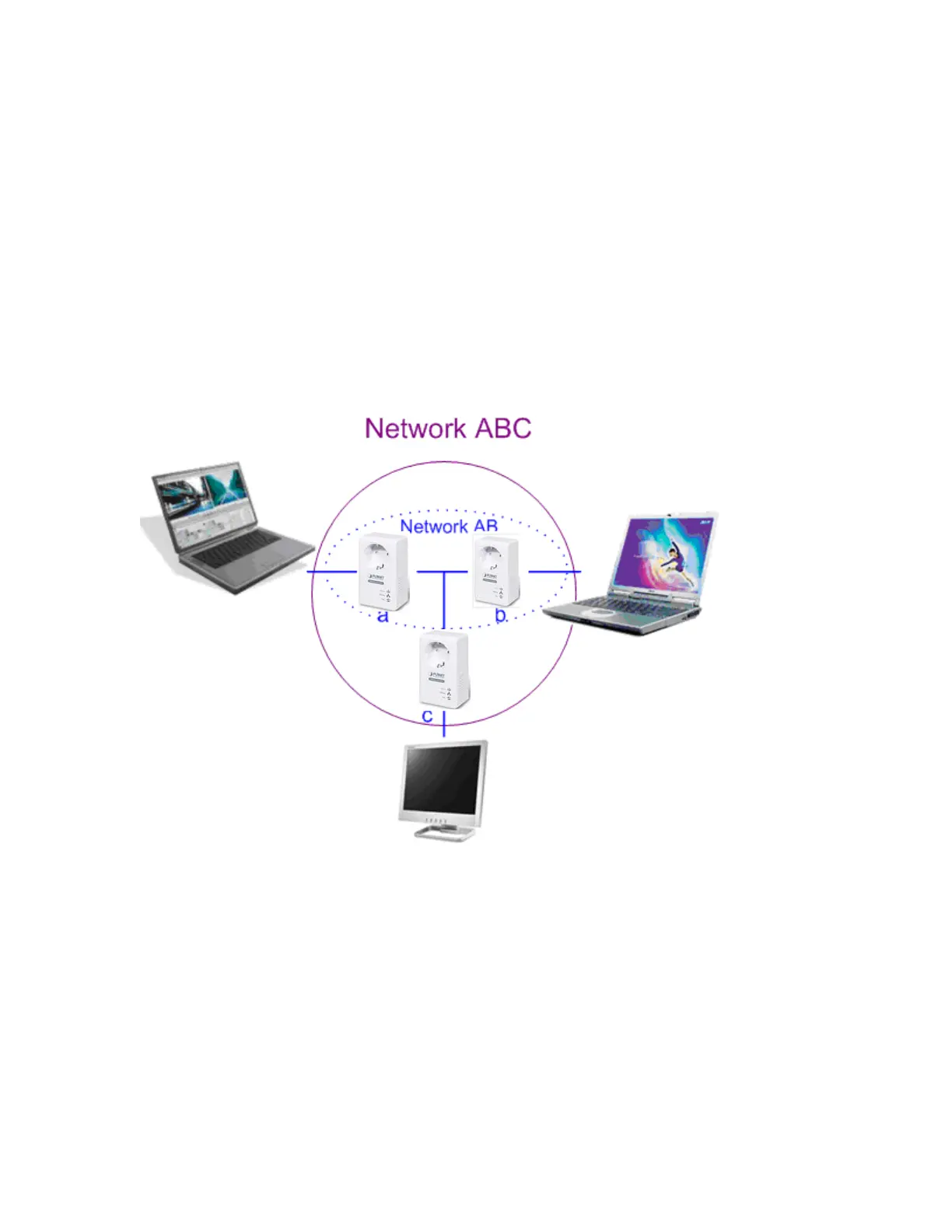
Use random value of security network (Network AB)
1. Press the security button on Powerline (a) more than 10 seconds until all
LEDs off.
2. Press the security button on Powerline (a) during 1~3 seconds.
3. Press the security button on Powerline (b) during 1~3 seconds.
4. The PWR LEDs start to flash.
5. After a few seconds, the PWR and HP LEDs should be on. The connection of
Network AB is success.
Establish Powerline (c) to join an existing network (Network AB).
The procedure is as follows:
1. Press the security button on the Powerline (a) or (b) during 1~3 seconds.
2. Press the security button on the Powerline (c) during 1~3 seconds.
3. The PWR LED starts to flash.
4. After a few seconds, the PWR and HP LEDs should be on. The configuration
is successful.
22



 To Next Page