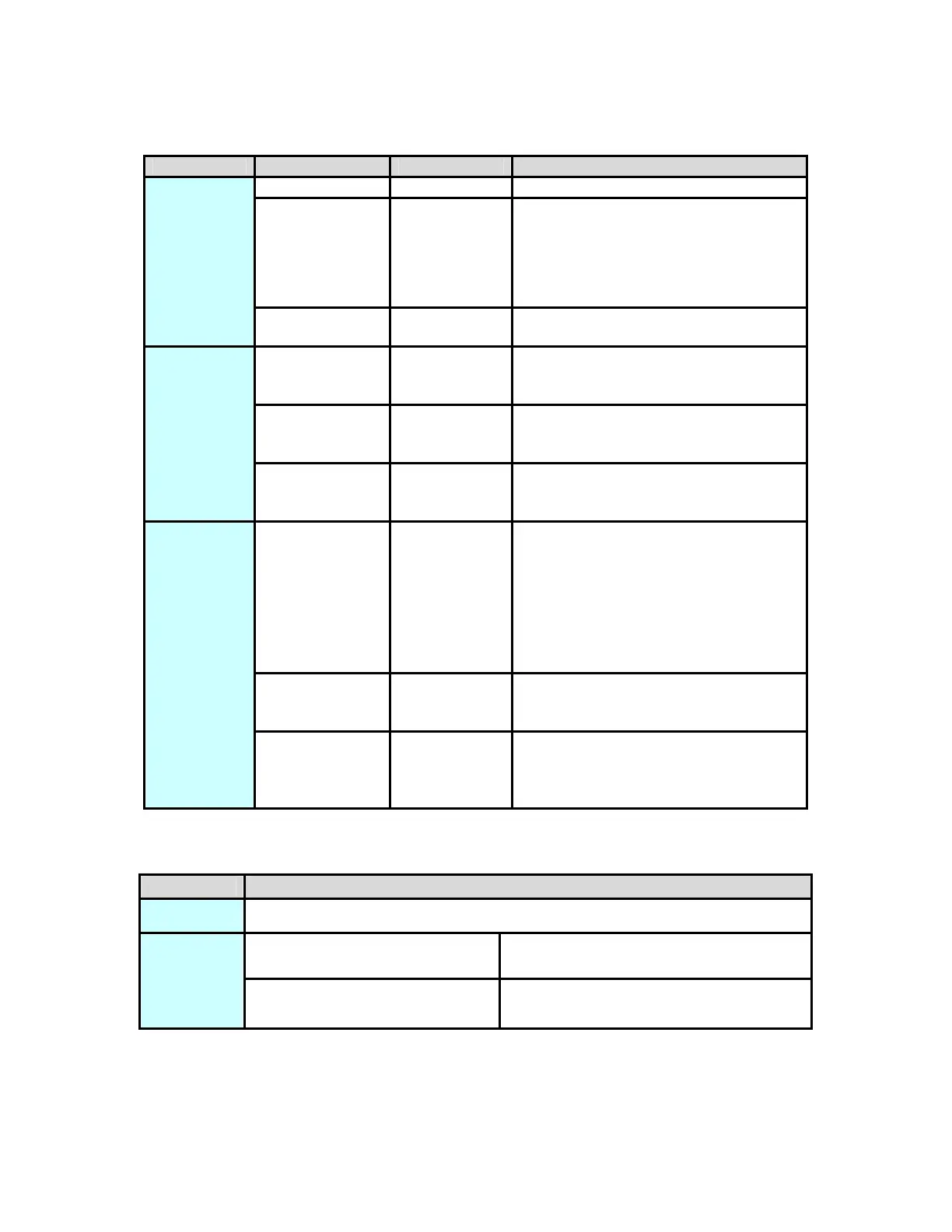
LED Definition
LED Color Behavior Description
Green On Power is on
Green Blink
System enters the power
save mode.
System is resetting.
System is in the process of
security setup.
Power
- Off Power is off.
Green On
The device is connecting to other
devices via the Ethernet interface
but not communicating with them.
Green Blink
The device is receiving or
transmitting data via the Ethernet
interface.
Ethernet
- Off
The device is not connecting to
other devices via the Ethernet
interface.
Green/Red On
The device has connected to the
power line network. The Data
LED color will vary according to
the physical rate.
Green: Link Rate > 40 Mbps
Orange: 20 Mbps< Link Rate
<40 Mbps
Red: Link Rate< 20 Mbps
Red Blink
When the device is scanning
other PLC devices, the Data
indicator blink quickly.
Data
- Off
The adapter has not found any
other compatible power line
devices that use the same
encryption key.
Button Definition
Button Description
Reset Reset to factory default
Press security button during
1~3 seconds.
Join a another HomePlugAV
network
Security
Press security button more
than 10 seconds
Set its security to random
value
8



 To Next Page