5
EN
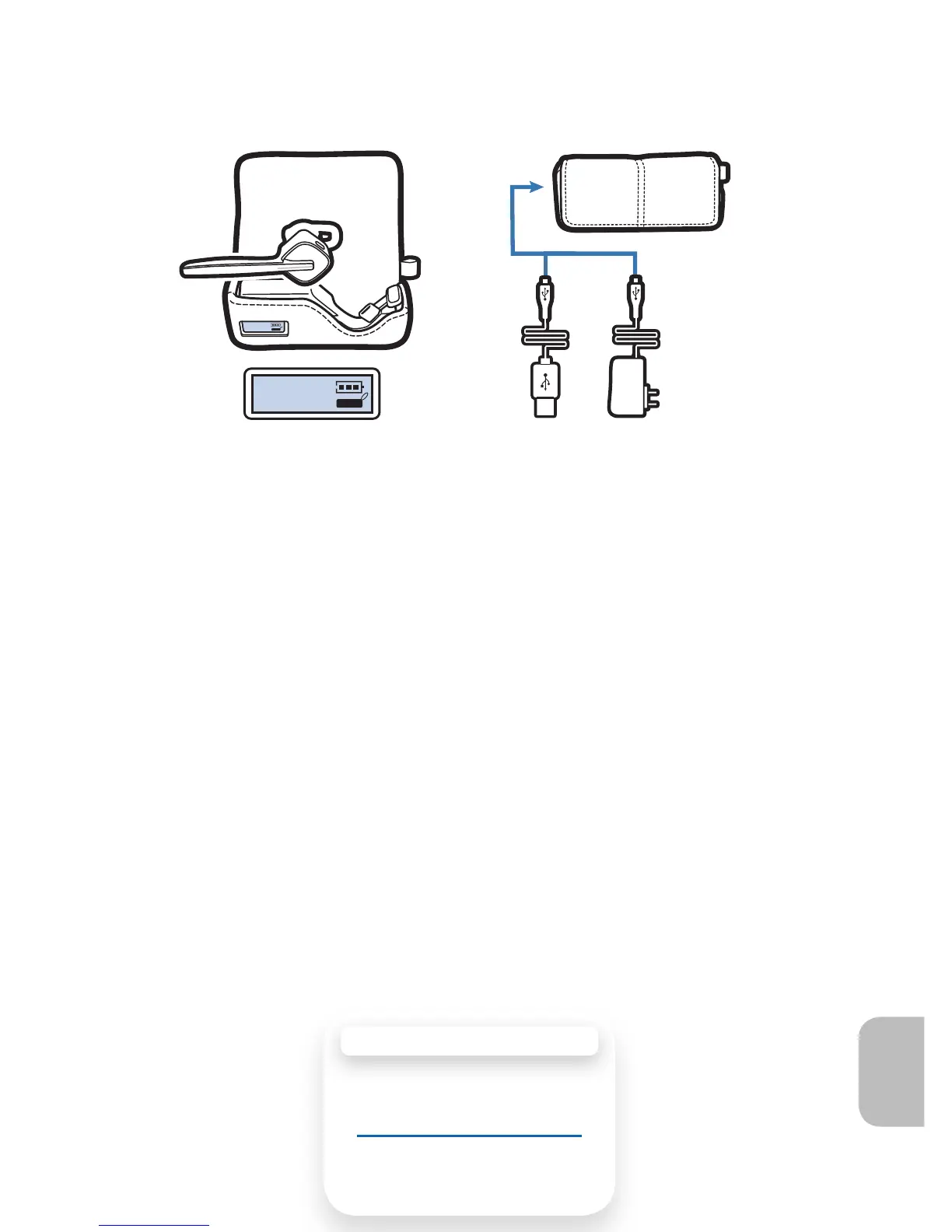
Recharging the Battery Inside the Case
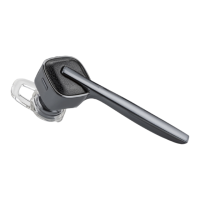
The charging case provides two full charges to your earpiece before
the battery within the case requires charging.
1 To check the battery status of the charging case, refer to
the LCD display on the case.
The battery status may change if you insert the earpiece because
the battery will transfer power to the earpiece.
2 Plug either the AC charger or the USB charger to power
source before connecting to the charging jack on the side
of the case.
While the case is charging, the LCD battery icon (above the case
image) flashes to indicate charge level.
NOTE If you disconnect the power source from the case after 10
minutes of charging you must then wait at least 60 minutes before
reconnecting a power source to resume the charging cycle.
Recharging Your Charging Case
21
CHARGING TIME
3.5 hours . Full charge
using USB
1.5 hours . Full charge
using AC







 To Next Page