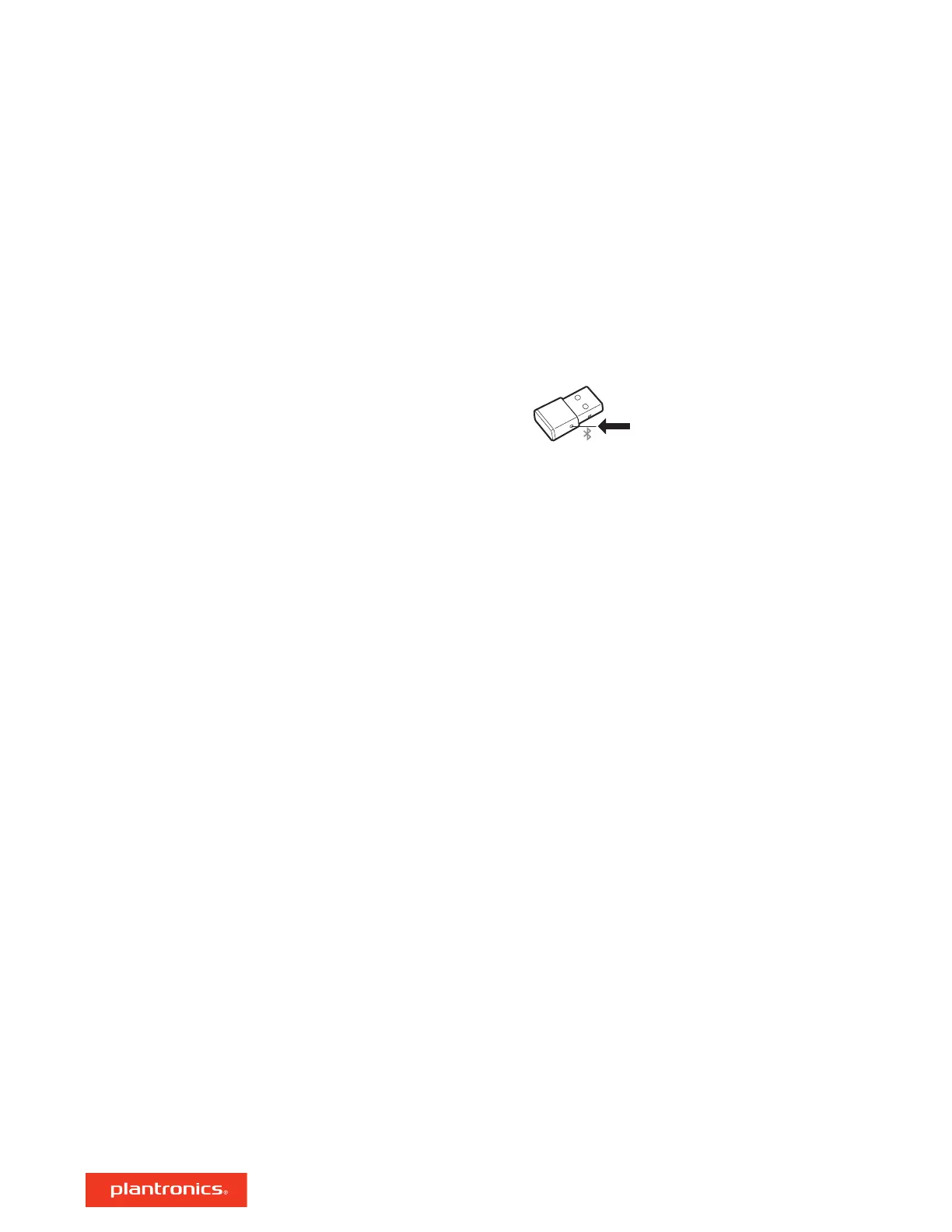
NOTE Your headset can pair with up to 8 devices but only maintain 2 connections simultaneously;
this includes the Bluetooth USB adapter.
1 Insert the high-fidelity Bluetooth USB adapter into your laptop or computer and wait for your
computer to recognize it.
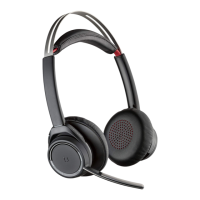
2 Put your headphones in pair mode.
3 Put your Bluetooth USB adapter into pair mode by gently pressing and holding the pair button
with a pen or paperclip until the Bluetooth USB adapter flashes red and blue.
Pairing is successful when you hear "pairing successful" and the Bluetooth USB adapter LED is
solid blue.
Pair USB adapter again
6





 To Next Page