
 Need help?
Do you have a question about the Plantronics Blackwire C210 and is the answer not in the manual?
Access Plantronics Control Panel for status, device parameters, and preferences.
Manage remote software updates for Plantronics devices via Windows Start Programs.
Lengthen or shorten the band for a comfortable fit over the ears.
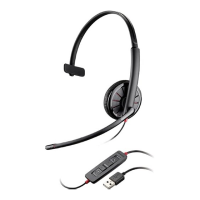
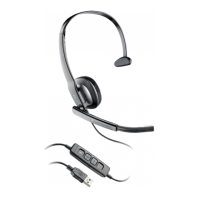
Use headset button for calls with compatible softphones; otherwise, use softphone interface.
Control listening volume using headset buttons or softphone settings.
Briefly press the mute button to toggle microphone mute; Mute LED indicates status.
 General
| Product type | Headset |
|---|---|
| Product color | Black |
| USB connectivity | Yes |
| Connectivity technology | Wired |





 To Next Page
