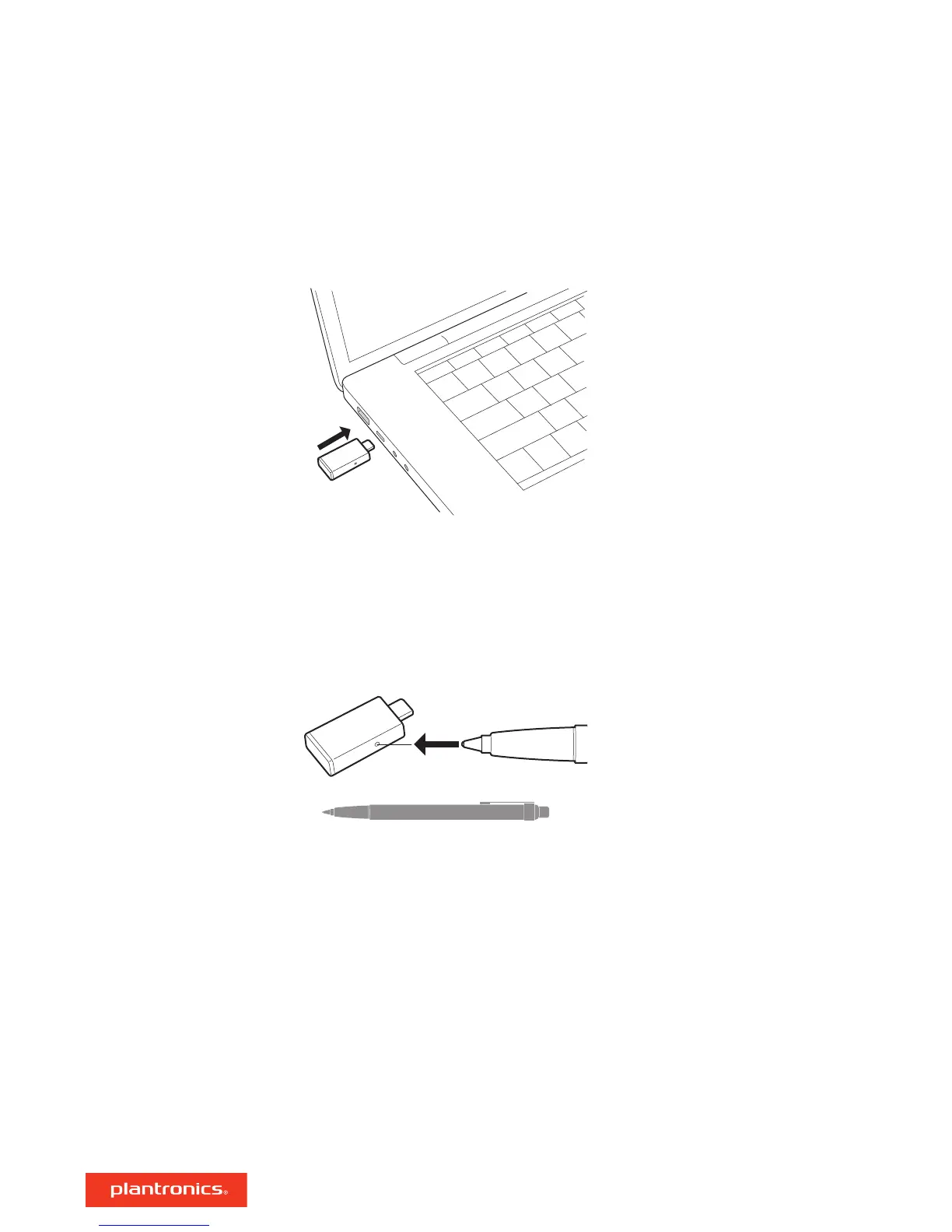
To pair your high-fidelity Bluetooth
®
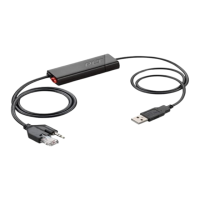
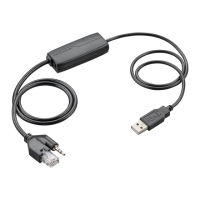
USB adapter to your headset, do the following:
1 Insert the USB adapter into your laptop or computer and wait for your computer to recognize it.
2 Put your headset in pair mode (refer to your headset's user guide).
3 Put your USB adapter into pair mode by pressing and holding the red Pair button until the USB
adapter LED flashes red and blue.
Pairing is successful when you hear "pairing successful" and the USB adapter LED is solid blue.
Pair
3






 To Next Page