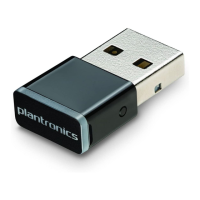
Your USB adapter comes ready to take calls. If you want to listen to music, you need to configure
your USB adapter.
Windows
1 To configure your USB adapter to play music, go to Start menu > Control Panel > Sound >
Playback tab. Select Plantronics BT600, set it as the Default Device and click OK.
2 To pause music when you place or receive calls, go to Start menu > Control Panel > Sound >
Communications tab and select the desired parameter.
Mac
1 To configure the USB adapter, go to Apple menu > System Preferences > Sound. On both the Input
and Output tabs, select Plantronics BT600.
Configure
4






 To Next Page