ii
Welcome
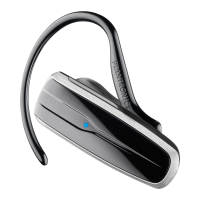
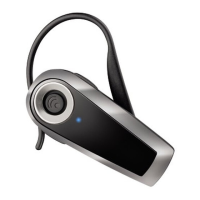
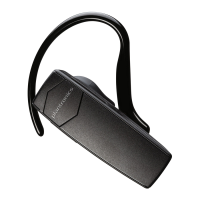
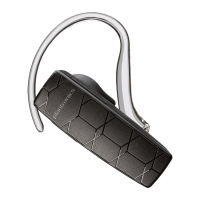
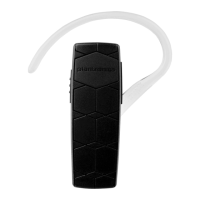
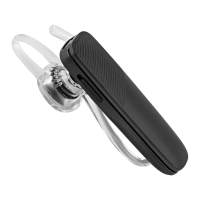
Thank you for purchasing the Plantronics Explorer 240, 242, 243, 245,
or 395 headset. This guide contains instructions for setting up and using
your new headset.
Please refer to the separate For Your Safety guide for important
product safety information prior to installation or use.
Getting Assistance
The Plantronics Technical Assistance Center is ready to assist you.
You can find answers to frequently asked questions, ask a question
using e-mail, receive service over the Internet, or speak directly
with a representative. Visit www.plantronics.com/support.
NOTE If you are considering returning this headset, please contact
the Technical Assistance Center first.
Registering Your Product
Visit www.plantronics.com/productregistration to register your product
online so we can provide you with the best service and technical support.
NOTE For pairing your headset, your PIN code/Passkey is 0000.







 To Next Page