6
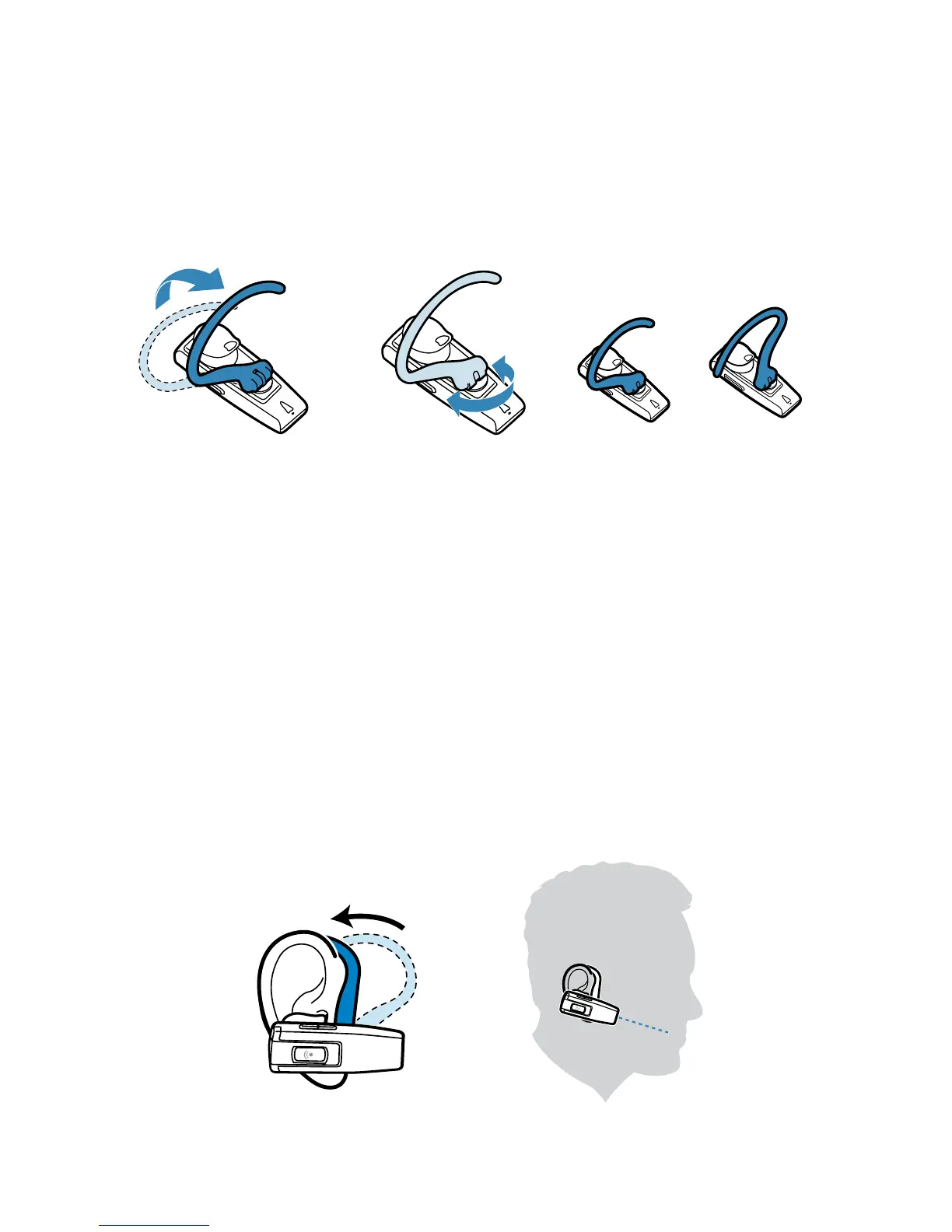
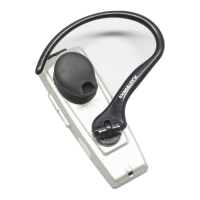
1 Lift the ear loop.
2 Swivel the ear loop to the right to wear it on your left ear, or
swivel it to the left to wear it on your right ear.
3 Place the ear loop behind your ear.
4 Rotate the headset so that the speaker rests comfortably in
your ear.
5 Align the microphone with the corner of your mouth.
Callers can hear you best when you point the microphone towards
the corner of your mouth.
Adjusting the Fit
Right Left
2
1
3
4
5




 To Next Page