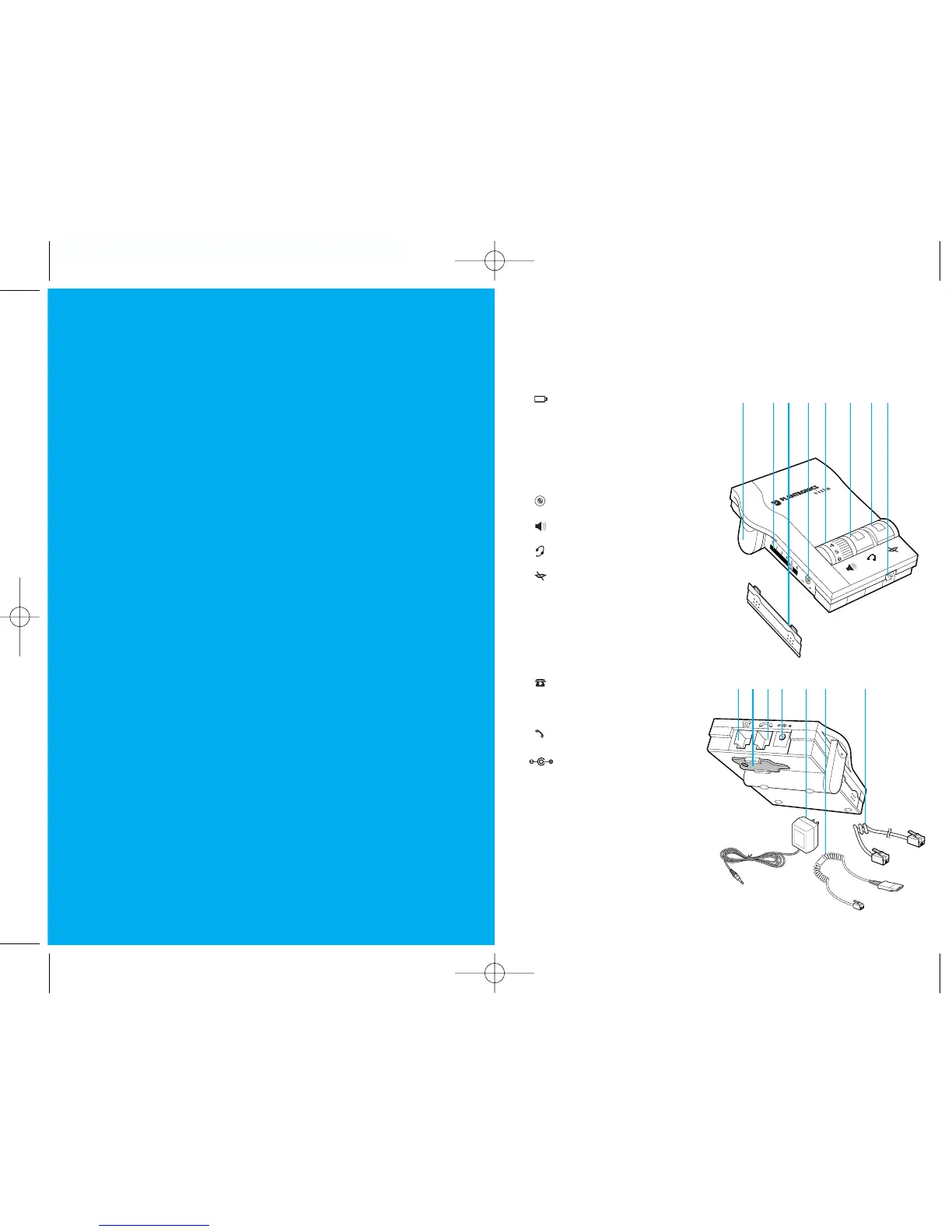
1 Telephone Jack
2 Screwdriver
3 Handset Jack
4 AC Power Supply Jack
5 AC Power Supply
6 Amplifier to QD Coil Cable
7 Amplifier to Telephone
Coil Cable
Install in 4 easy Steps
Step 1: Install batteries.
Step 2: Attach to phone and headset.
Step 3: Set default settings.
Step 4: Set telephone/amplifier
compatibility switch.
Make a test call.
Learn the basics.
welcome
to the Vista
™
Universal
Modular Amplifier
from Plantronics
®
.
PART I
PART II
PART III
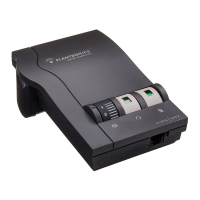
The Vista Universal Modular Amplifier adapts your telephone
to a Plantronics headset and provides control of the sound
through your headset. The Vista amplifier has built-in sound
conditioning and protection.
This User Guide will help you install your Vista amplifier and
learn its basic operations.
The Vista amplifier is not designed to work on tele-
phones that have the dial pad in the handset or on
cordless telephones.
english iiiii
1
2
34
5
67
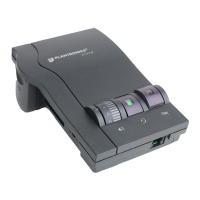
V ista
™
Universal Modular Amplifier
1 Battery Access Door
2 Telephone/Amplifier
Compatibility Slide Switch
3 Telephone/Amplifier
Compatibility Slide Switch Cover
4 Outgoing Volume Control
5 Incoming Volume Thumbwheel
6 Headset/Handset Selector
7 Mute
8 Headset Jack


 To Next Page