install
in 4 easy steps
INSTALL BATTERIES
ATTACH TO PHONE AND
HEADSET
SET DEFAULT SETTINGS
SET TELEPHONE/AMPLIFIER
COMPATIBILITY SWITCH
I
PART
englishiv
connections
& features
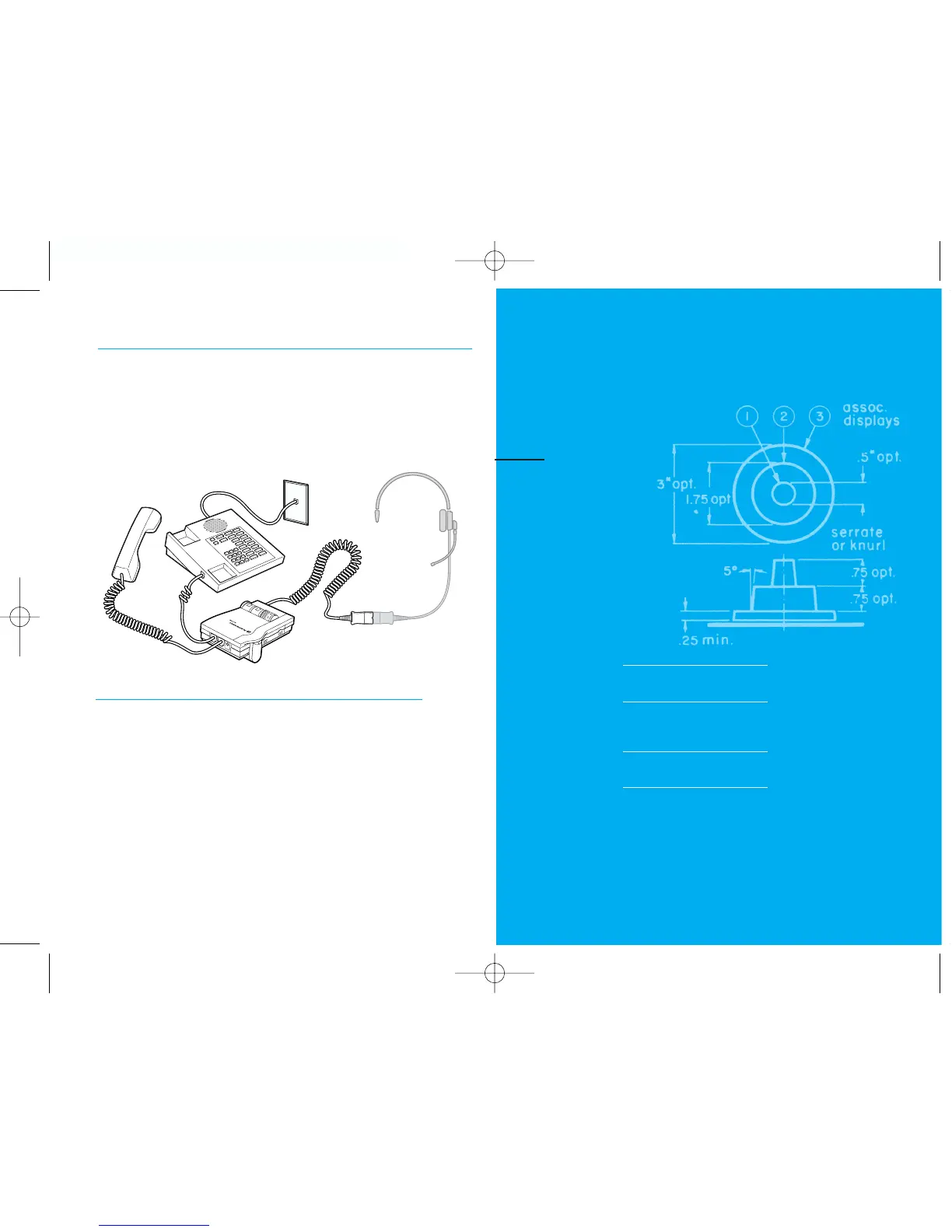
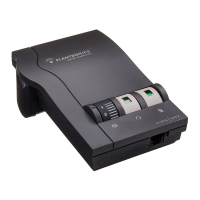
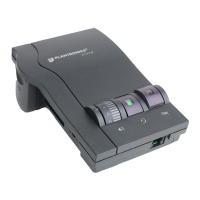
Connect the Vista amplifier to your telephone as shown.
Follow the four easy steps on the following pages for
complete installation details.
Amplifier Features
•SoundGuard
®
Plus
™
Sound Compression protects you
•from harsh noises, such as fax tones
•Call Clarity
™
System improves incoming and outgoing sound
•Switch easily between headset and handset
•Incoming and outgoing volume control
•Mute
1


 To Next Page