LEARN THE BASICS
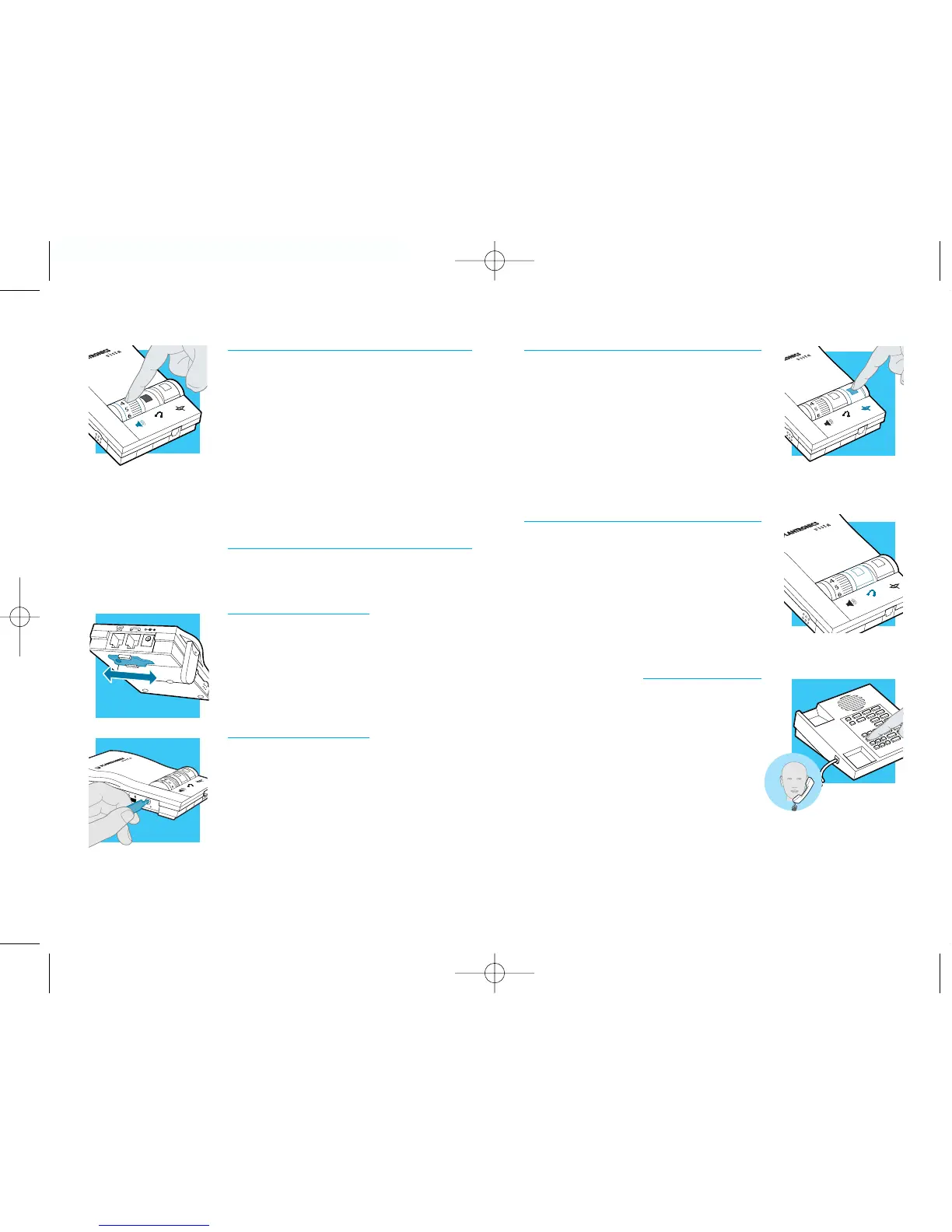
Muting a Call
1. Activate the Mute function by depressing the
Mute switch (colored indicator showing).
2. Deactivate the Mute function by releas-
ing the Mute switch (no colored
indicator showing).
Making and Receiving Calls with a
Handset
1. Release the Headset /Handset switch
(no colored indicator showing).
2. Use the phone handset as you normally
would.
11
LEARN THE BASICS
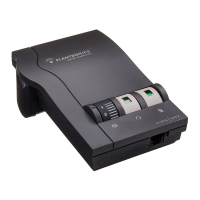
Adjusting Headset Incoming Volume
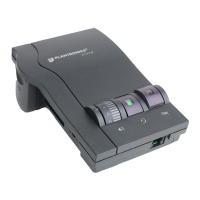
1. Adjust the volume by turning the
Thumbwheel on the top panel.
2. Try different volume settings. 1 is the
quietest and 9 is the loudest.
3. “Make a Test Call” (see page 7) provides
more details about adjusting your
incoming volume.
Adjusting Headset Outgoing Volume
1. Outgoing Volume is pre-set. Try making a
test call before adjusting (see page 7).
2. To access the Outgoing Volume Control,
remove the panel on the left-hand side of
the amplifier. The same panel houses the
Telephone/Amplifier Compatibility Switch.
3. Use the screwdriver attached to the bottom
of the amplifier to adjust the Outgoing
Volume Control. Turn clockwise to make
your voice louder to the caller. Turn
counter-clockwise to make your voice qui-
eter to the caller.
4. Replace the panel door and the screwdriver.
english10 english


 To Next Page