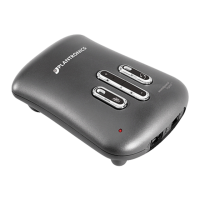
LEARN THE BASICS.
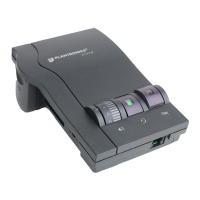
Default settings
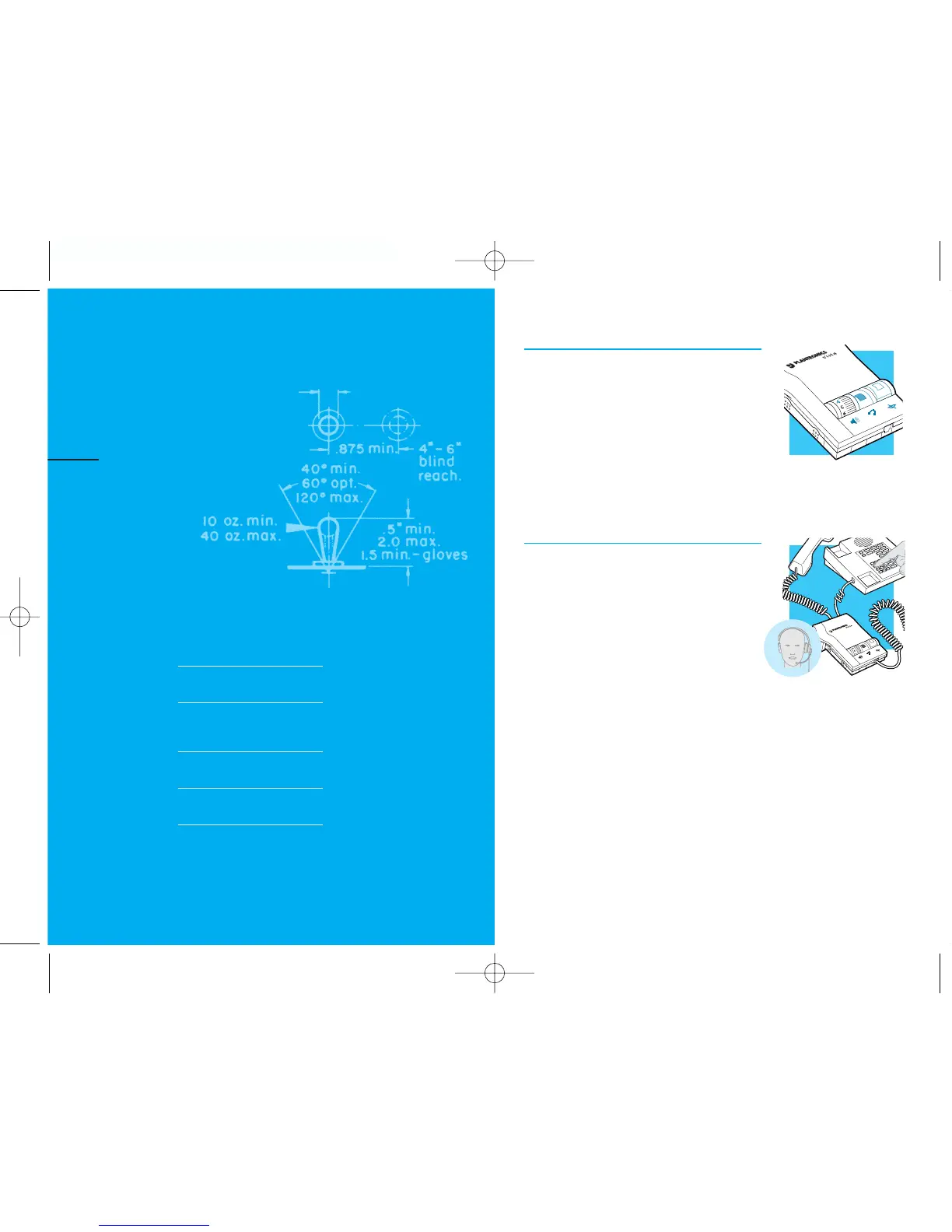
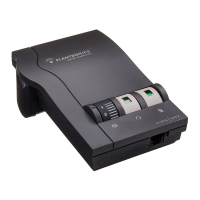
These are the default settings for
headset use:
1. Headset /Handset Selector is depressed
(colored indicator showing).
2. Mute Switch is released (no colored
indicator showing).
3. Incoming Volume Thumbwheel is set to 4.
Making and Receiving Calls with a
Headset
1. Put on headset.
2. Make sure the amplifier settings are in
default.
3. Lift the phone handset off the cradle
and place on your desk.
4. Make or receive your call. You will use
the dial pad and/or other features of
your telephone as you would normally.
5. To end the call, hang up the handset.
english 9
learn
the basics
DEFAULT SETTINGS
MAKING AND RECEIVING
CALLS WITH A HEADSET
ADJUSTING
MUTING A CALL
MAKING AND RECEIVING
CALLS WITH A HANDSET
•HEADSET INCOMING VOLUME
•HEADSET OUTGOING VOLUME
III
PART
8


 To Next Page