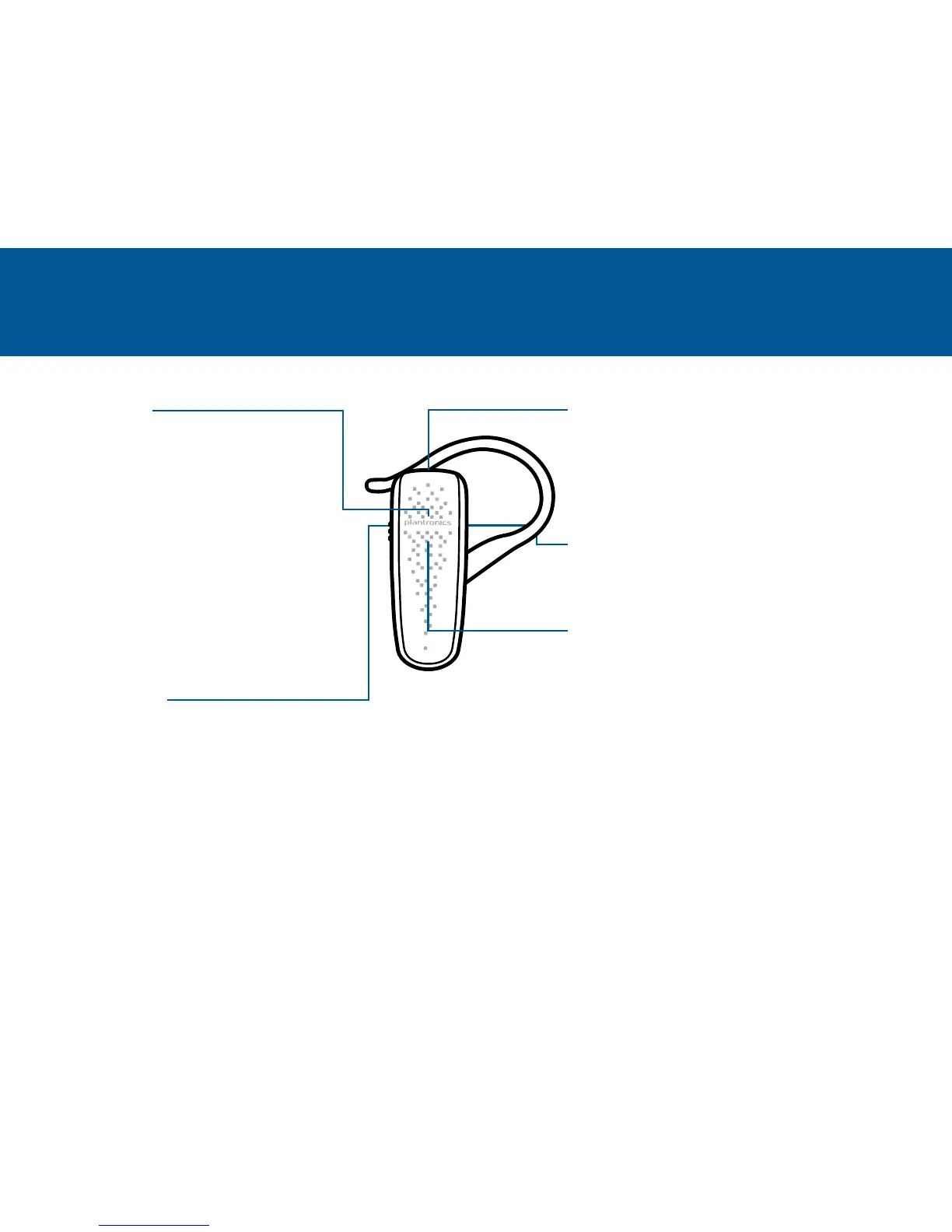
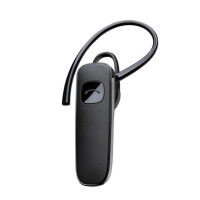
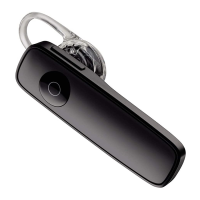
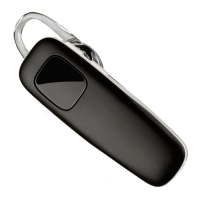
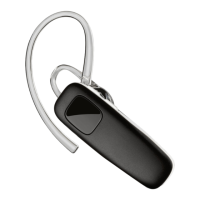
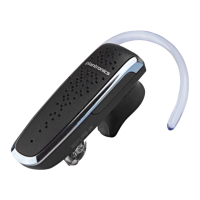
TAKE A GOOD LOOK
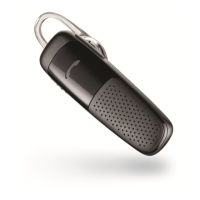
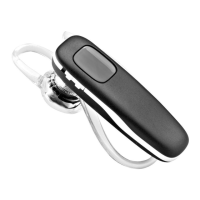
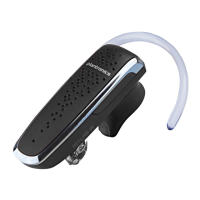
Your headset may look
slightly different than the
illustration, but will still
work as described.
MICRO USB CHARGING PORT
• Use with the AC wall charger:
1 hour before first use
2 hours (100% charge)
• Do not use headset while charging
VOLUME BUTTONS
• Volume presets (1 tap per level change)
LED
• Charging (solid red)
• Low battery (3 red flashes at powering on)
• Pairing mode (repeating red/blue flashes)
CALL BUTTON
• Take a call or end it (1 tap)
• Redial (2 taps)
• Initiate phone’s voice-dialing
(2-second press until tone is heard)
• Reconnect lost Bluetooth connection
(1 tap if the headset doesn’t automatically
reconnect)
• Activate pairing mode after initial set up
(press until red/blue LED flashes)
• Activate multipoint (2-second press
while switching on power)
POWER SWITCH
• On (slide to reveal black)
• Off (slide to reveal red)


 To Next Page