12
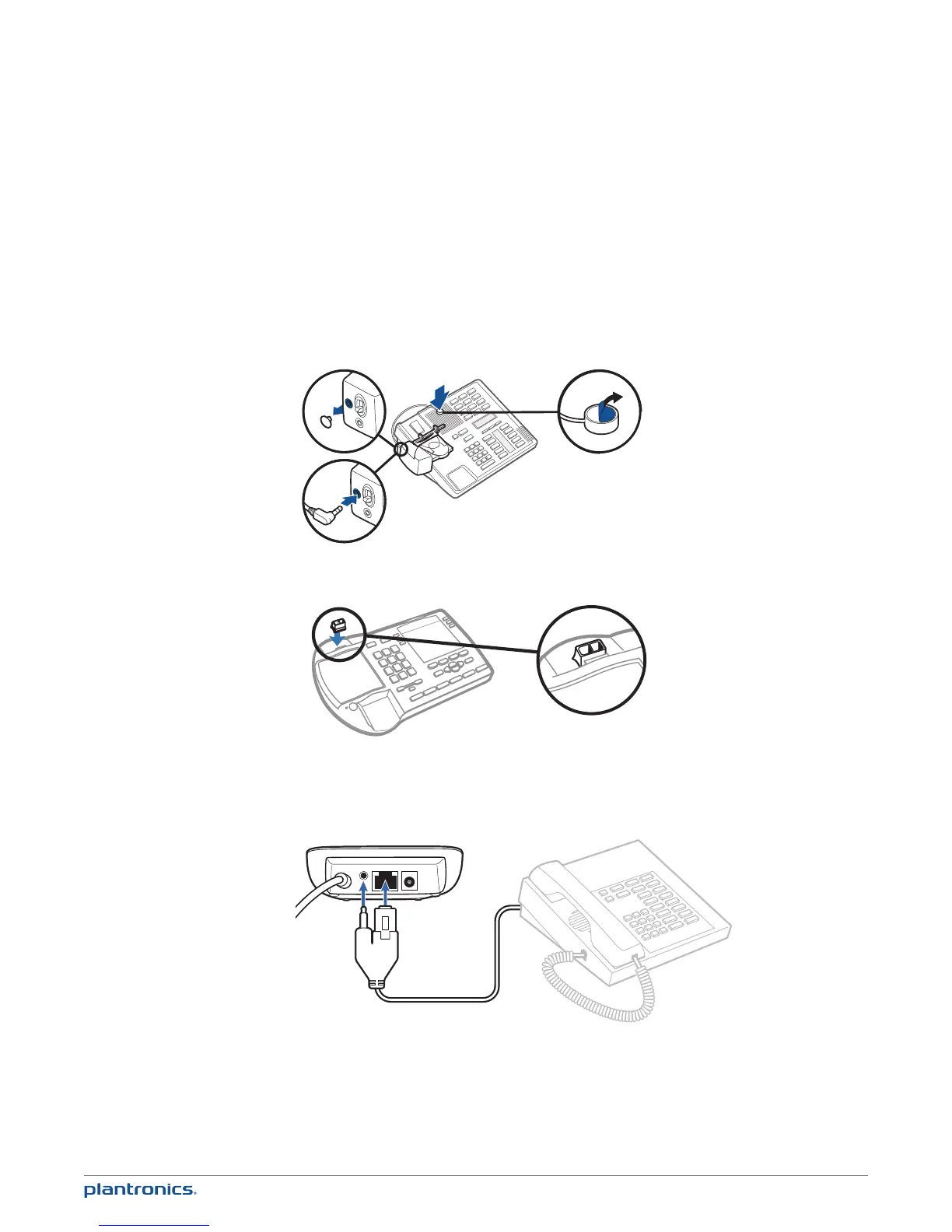
Ringer Microphone
Use ringer microphone only when the telephone speaker is not located directly under the
handset.
1 Remove cover from ringer microphone jack on back of lifter.
2 Connect ringer microphone plug.
3 Place ringer microphone over phone speaker. Remove adhesive tape and attach.
1
2
3
For Nortel Phones Only
Desk Phone Plus EHS Cable
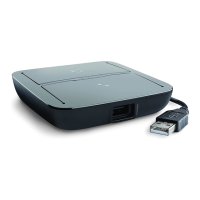
1 Connect the end of the EHS cable to the MDA200 and the other end to the desk phone as
described in the EHS Adapter Getting Started guide.



 To Next Page