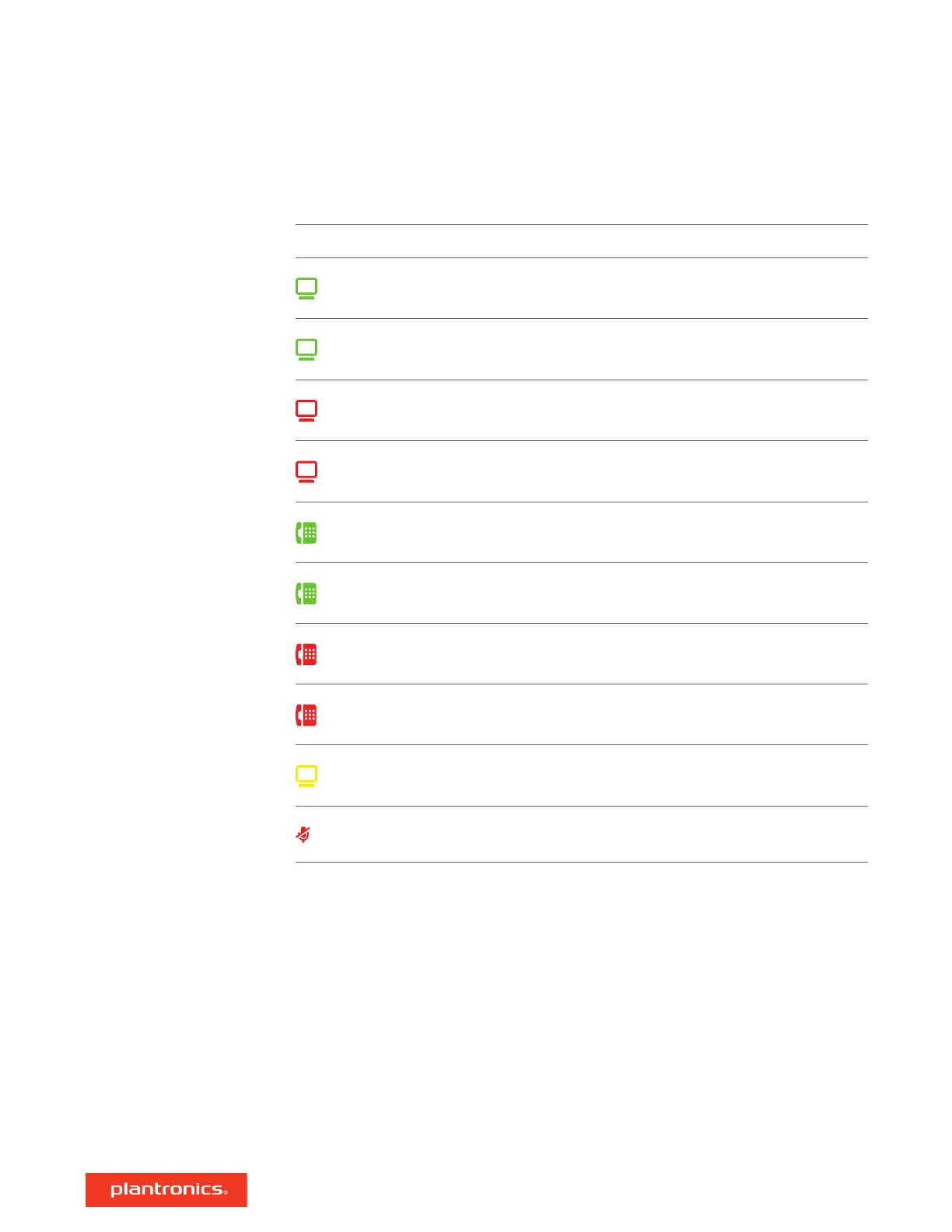
LED LED State Indication
Flashing green Incoming PC call
Solid green Active PC call
Flashing red (slow) Active PC call on hold
Solid red PC call on mute
Flashing green Incoming desk phone call
Solid green Active desk phone call
Flashing red (slow) Active desk phone call on hold
Solid red Desk phone call on mute
Flashing yellow Updating firmware
Solid red Active call on mute
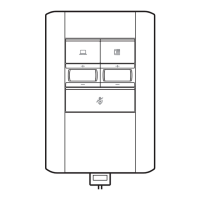
When you press one of the two buttons, you are opening a phone line/audio channel. Depending
on the circumstances, you may not hear a dial tone until you have dialed from your phone. The
buttons allow you to switch to a different phone line/channel.
LED Indicators
7



 To Next Page