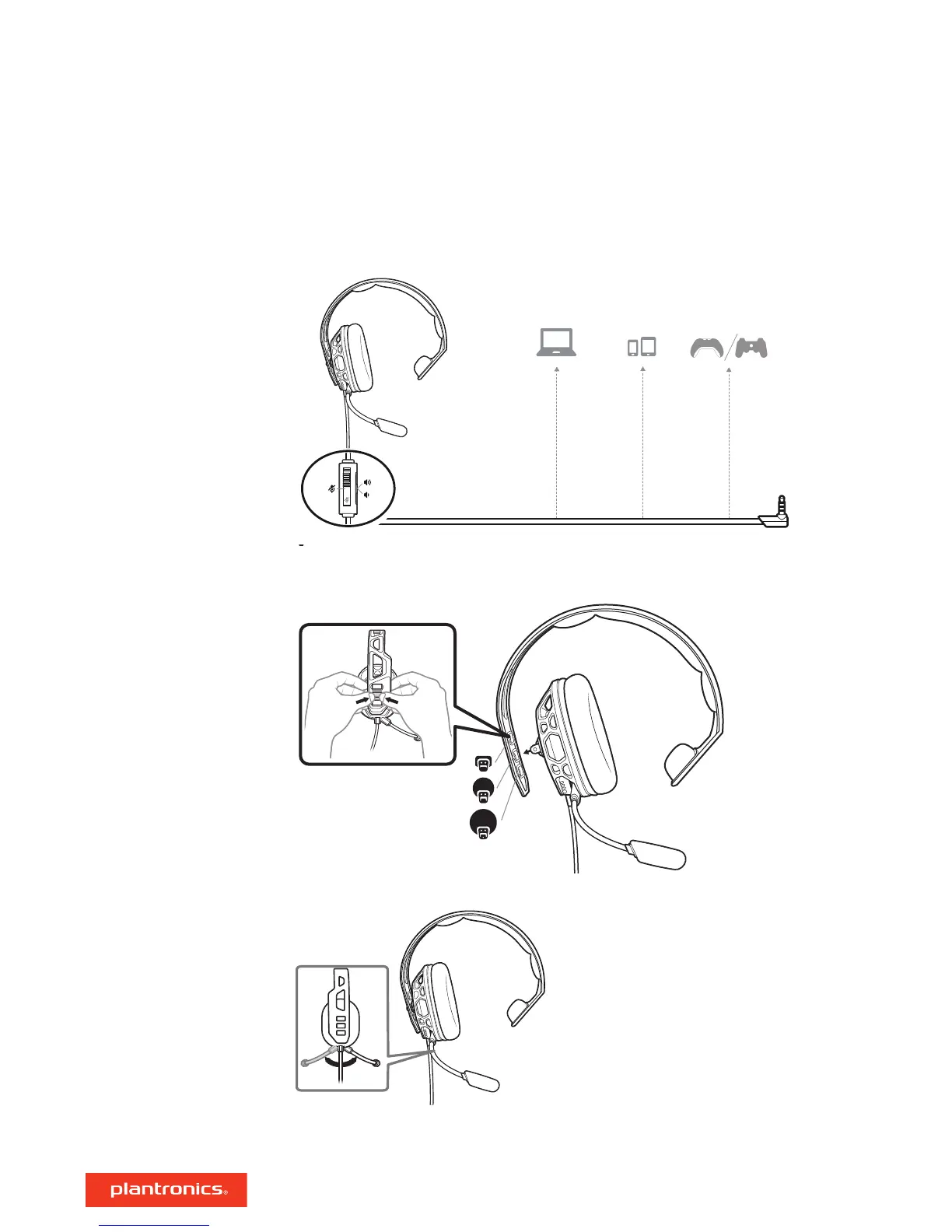
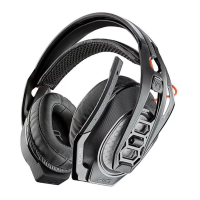
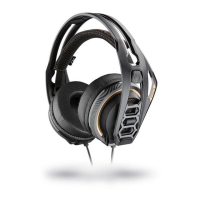
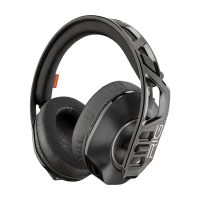
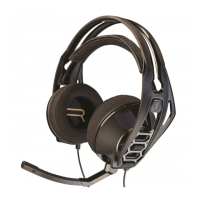
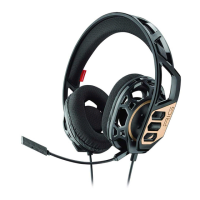
Your headset components easily snap into the headset frame to configure the best fit and sound.
1 Follow the diagram to connect your system.
2 The headband adjusts to three sizes (small, medium, large) by moving the earcups. To remove an
earcup, press the earcup to detach it from the headband.
3 To position the microphone on the right or left side, rotate the microphone boom down and over.
Please read the safety guide for important safety, charging, battery and regulatory information
before using your new headset.
Setup and basics
Assemble headset
Be safe
3



 To Next Page