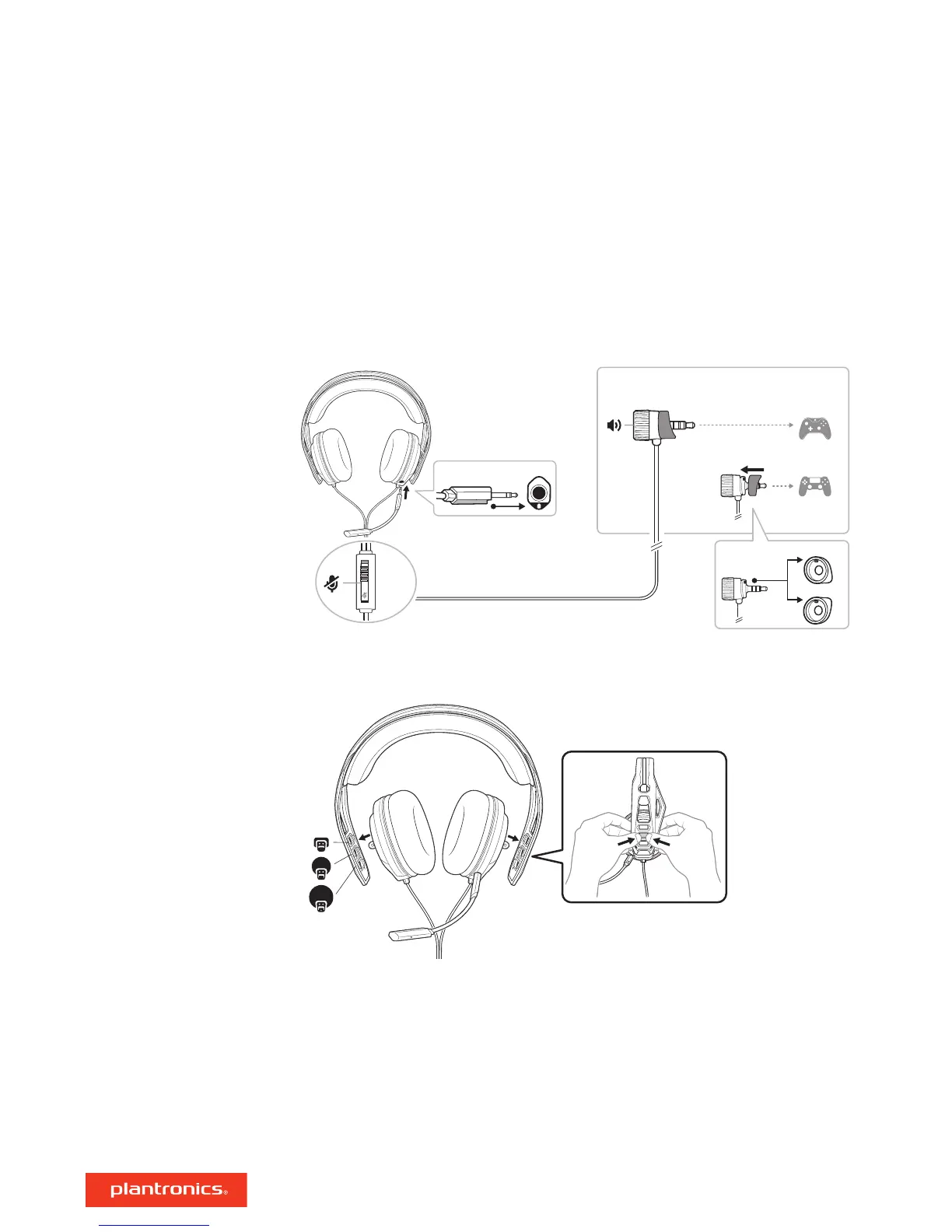
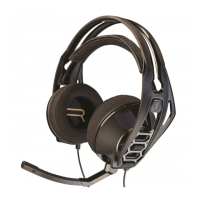
Your headset components easily snap into the headset frame to configure the best fit and sound.
1 Follow the diagram to put your headset together.
• When inserting the boom, align the notches on the boom jack and port. The microphone will not
work if the boom is inserted incorrectly.
• Out of the box, the volume wheel has the Xbox One sleeve attached. The PS4 sleeve is supplied.
Align notches on the appropriate sleeve and volume wheel before attaching to your controller.
2 The headband adjusts to three sizes (small, medium, large) by moving the earcups. To remove an
earcup, press the earcup to detach it from the headband.
Please read the safety guide for important safety, charging, battery and regulatory information
before using your new headset.
Setup and basics
Assemble headset
Be safe
3



 To Next Page