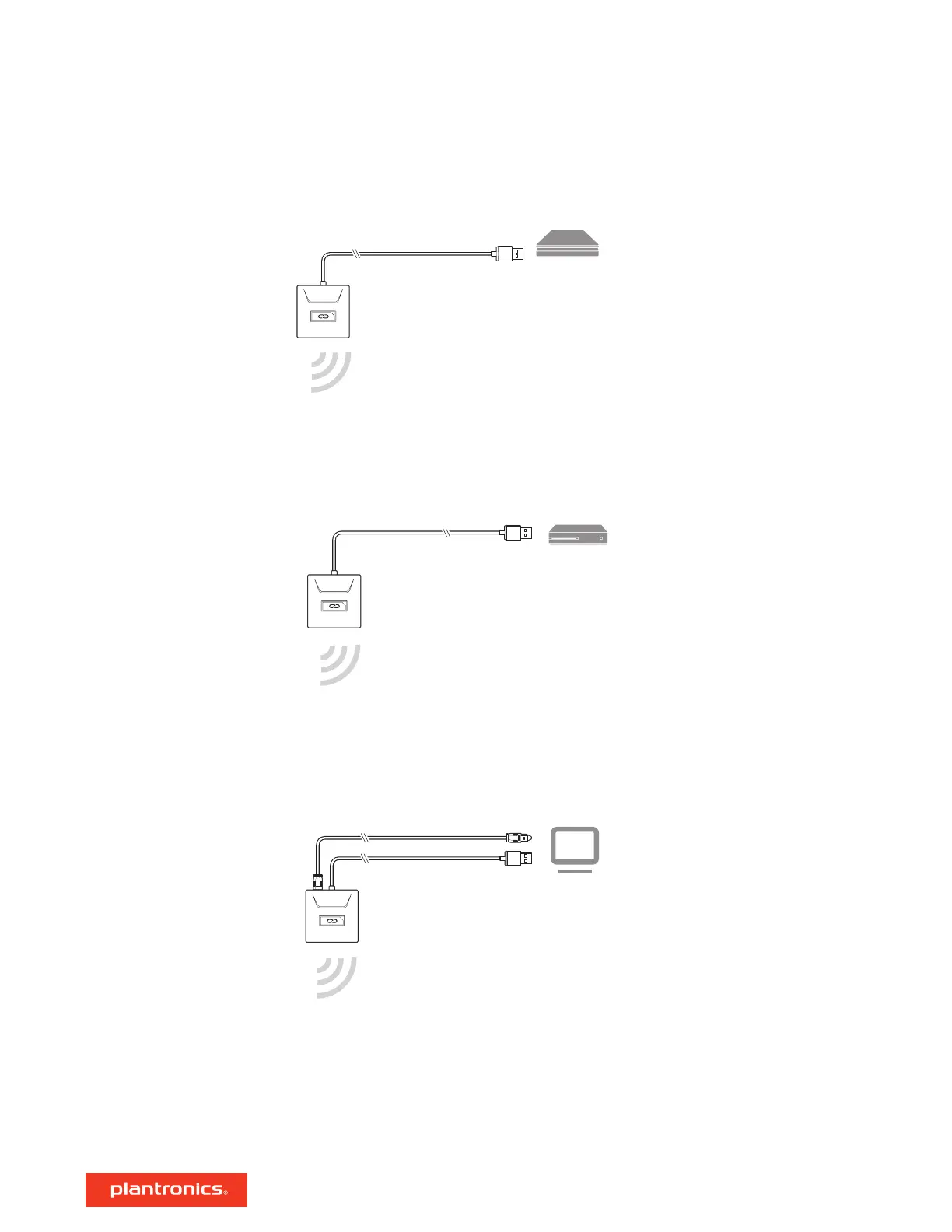
2 Power on your PS4 and Check for updates
3 Go to Settings > Devices > Audio Devices > Output Devices Select Plantronics RIG800XX
4 Go to Settings > Devices > Audio Devices > Output to headphones > All audio
1 Connect your adapter to your system.
NOTE Ensure the switch on the back of the adapter is set to your preference: console or PC.
2 Power on your Xbox One and Check for updates
3 To adjust system audio settings, check your console user guide.
1 Connect your adapter to your system.
IMPORTANT O
ptical cable connection is only for RIG 700HD and RIG 700HS.
NOTE Optical cable is not provided in RIG 700HD.
2 RIG 700HX only: Ensure the switch on the back of the adapter is set to "PC."
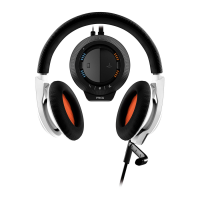
1 To increase or decrease the game and chat volume, adjust the top headset dial.
2 To increase or decrease the master volume, adjust the bottom headset dial.
Setup Xbox One
Setup PC
Adjust volume
4

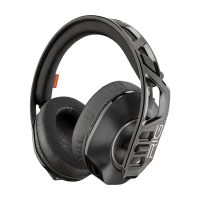


 To Next Page