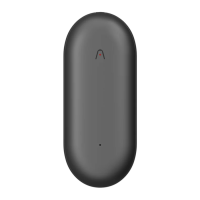
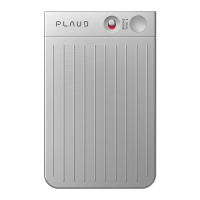
Check Battery SituationThe light indicates the battery situation:
•
Green Light ON: Battery = 100% (While charging)
•
White Light ON: Battery > 10%
•
Purple Light ON: Battery < 10%
Playback Recording
•
Method 1: Playback recordings through the App. You can allow fast sync
of the recordings by enabling a Wi-Fi connection on the App for long
recordings; the speed of Wi-Fi transfer is 20 times faster than that of
Bluetooth.
•
Method 2: Connect to Mac or Windows computer via cable and wait for
a few seconds before the U Disk is identified. The recordings are in the
folders according to your scene setting of PLAUD NotePin.
•
Method 3: Use a USB adapter to connect with phones via its OTG function.
Out of Storage
When you see yellow light flashing, the PLAUD NotePin storage is full.
Please either sync your file to the PLAUD app and delete your files in
the recorder or connect your PLAUD NotePin to compute to delete your file
in U Disk.
Out of Battery
When your product is out of battery, please recharge it and connect it
to your PLAUD app to sync the accurate time zone.
Product Warranty
12 Months Worry-Free Warranty
Customers of the PLAUD NotePin Voice Recorder enjoy 12 months of warranty
service as of the date of purchase. Customers shall show valid invoices
to enjoy the warranty service.


 To Next Page
 Loading...