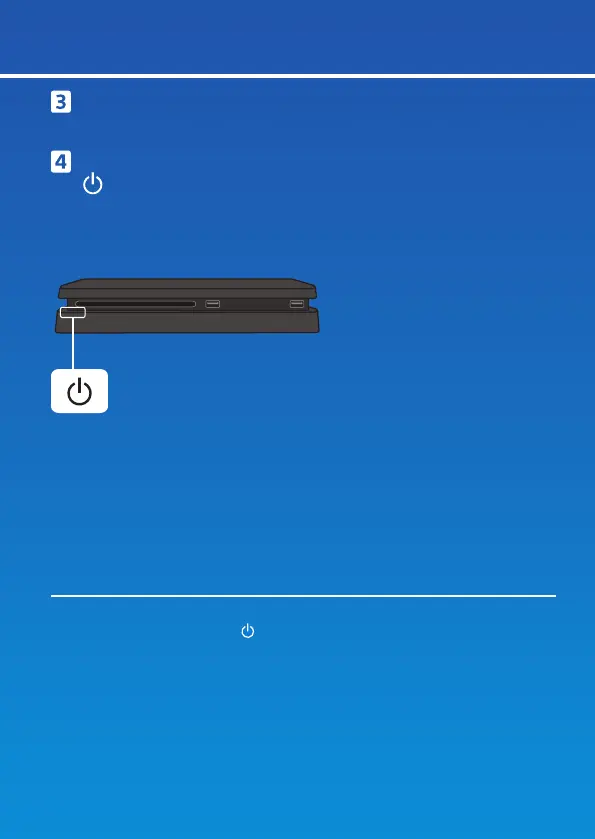
Front view
Power button/Power indicator
Turn on your TV and set the input to HDMI.
Turn on your PS4™ system by pressing the
(power) button.
The power indicator blinks blue, and then turns white.
If your TV does not display a picture when the power indicator turns white,
restart your system. Press the
(power) button for at least 7 seconds to turn
off your system, and then turn it on again.
4



 To Next Page