3
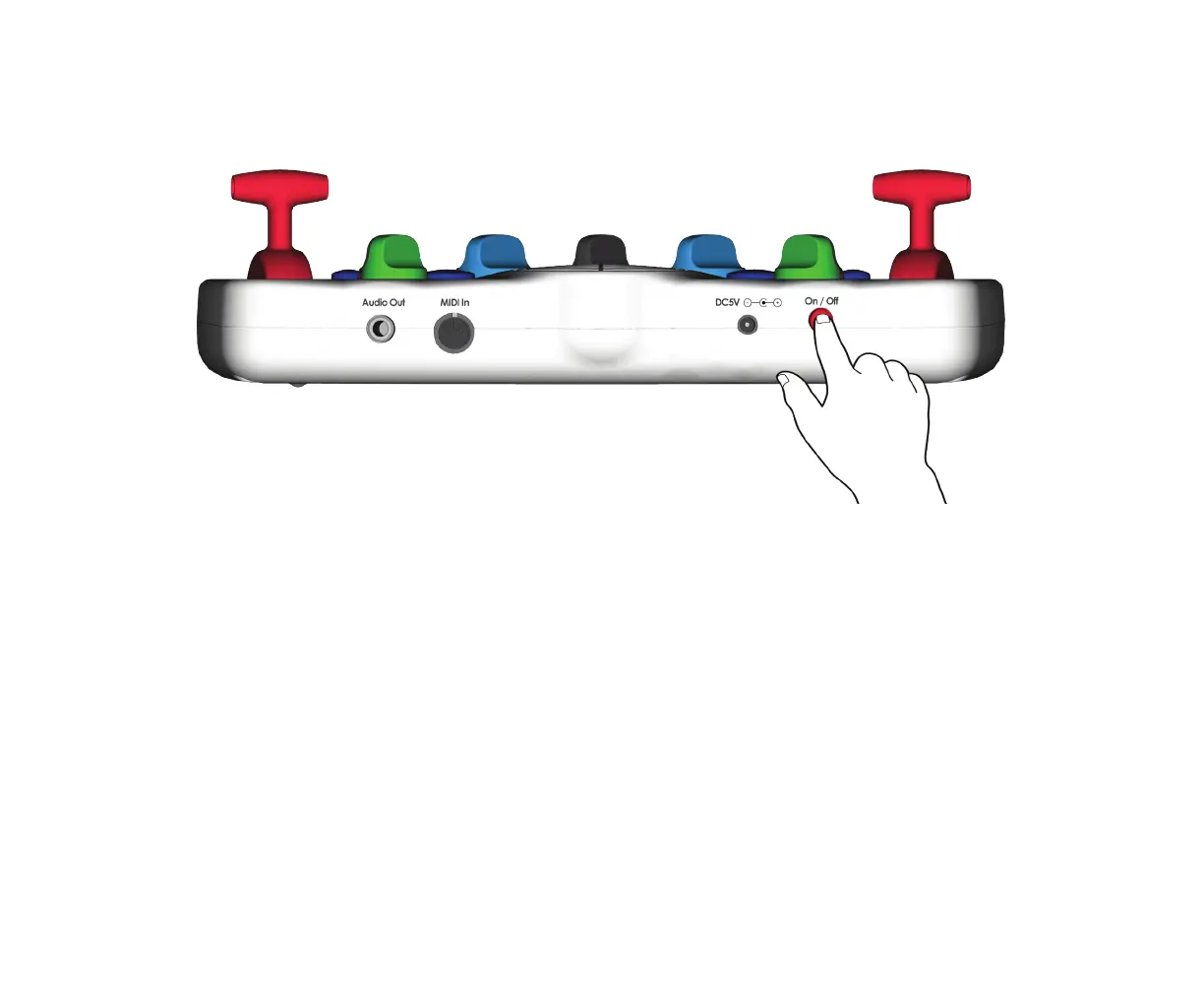
4. Press the red button on the back of the unit to turn on. Note: If no buttons are pushed, or no MIDI data is
received for 30 minutes, the Blipblox will automatically shut down to save power. Use the power switch to turn
the Blipblox o then on again to restart.
5. Now you’re ready to have some fun, pressing buttons, pulling levers and twisting knobs!
Learn More about the Blipblox Synthesis Engine in the
Blipblox Online Learning Toolbox at BLIPBLOX.COM


 To Next Page