8
Based on the serial number, they can add the respective device to the appropriate interface.
Steps 3
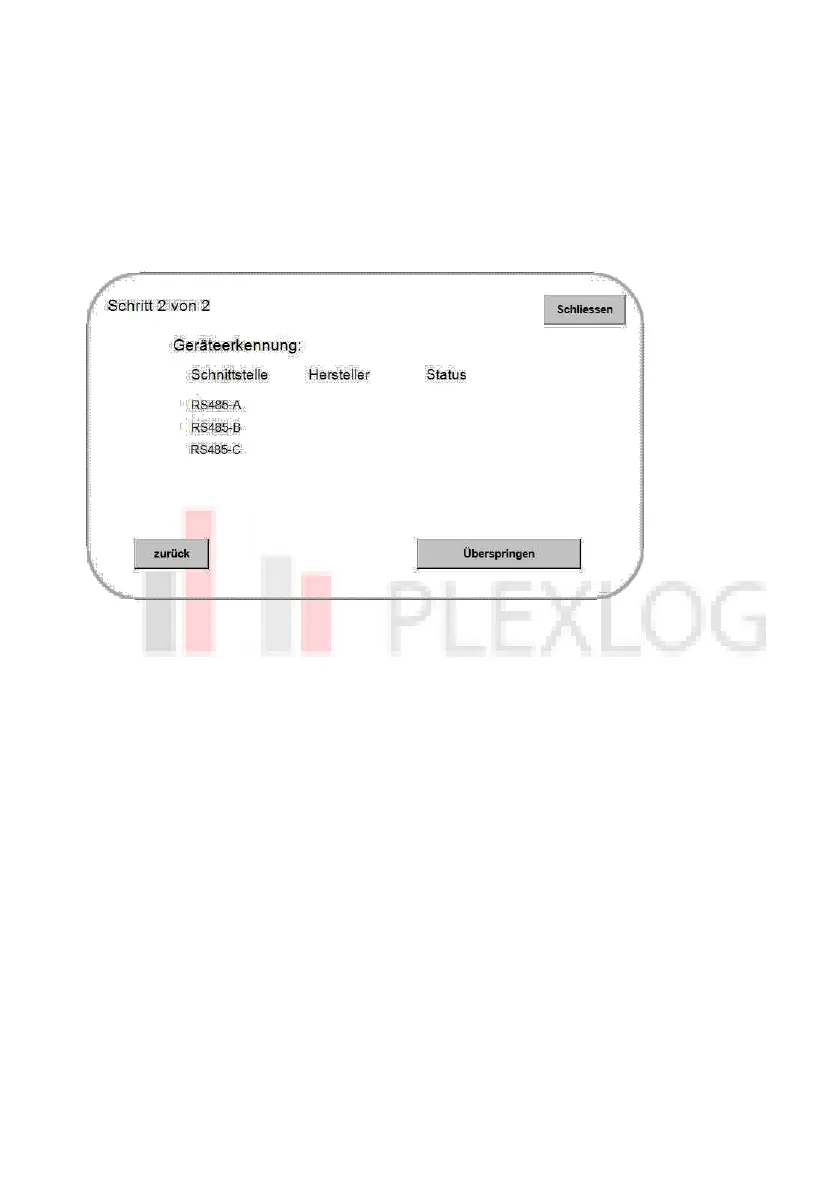
Perform test/device detection
Figure 8:
To do this, start the recognition via the button at the bottom right.
The PL data logger requires a moment to detect all devices. In the "Status" column you can
see the number of devices detected so far during the search. If the correct number of
inverters/devices has been detected at the corresponding interface, press the "Skip" button
- this switches the detection to the next interface.
If all devices were detected as desired, return to the installation wizard via the "back"
button. From there, start the further configuration via "New installation".
If not all devices were detected as desired, please check the communication settings of the
devices and the wiring. You can restart the detection at any time using the "Repeat" button
at the bottom right.


 To Next Page