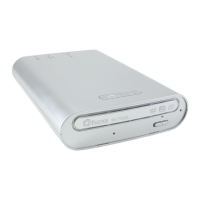
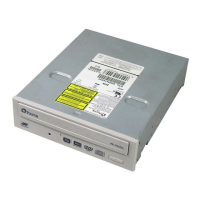
11
English
Chapter 2: Getting Started
Turning On/Off the Drive
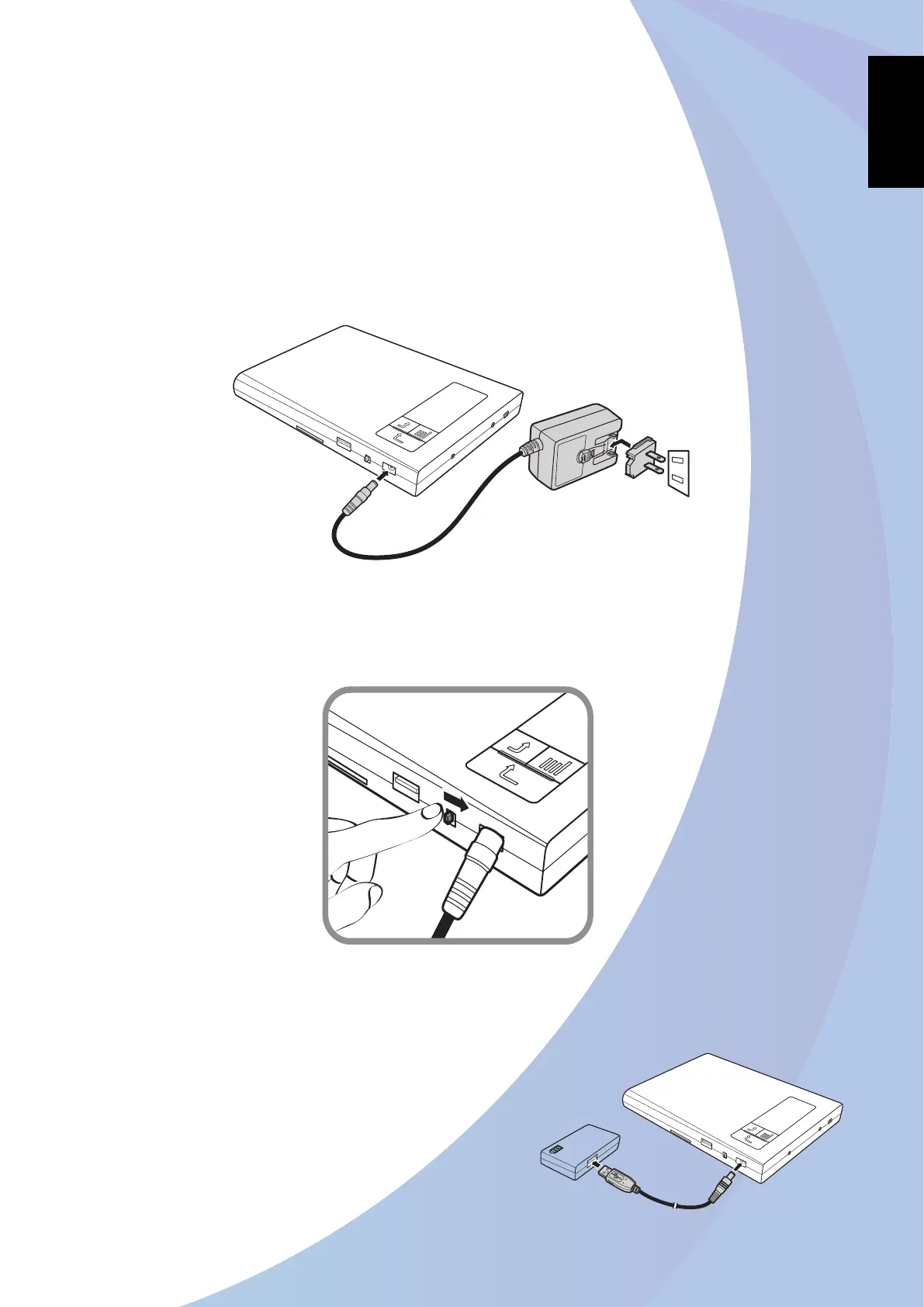
Connect one end of the AC/DC adapter to the DC-IN jack of the drive. 1.
Plug the other end of the AC/DC adapter into an electrical outlet. 2.
Note:
The drive may come with different plug head(s) suitable in the country where you purchased it.
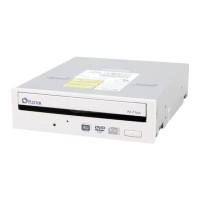
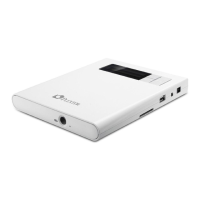
To turn on the drive, slide the 3. Power switch to the right as shown in the below illustration.
* To turn off the drive, slide the Power switch to the left.
Note:
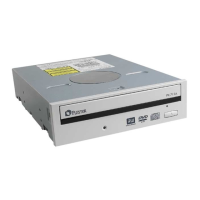
You can also use an external 5V/2A DC power source (using the Power
cable connection) as an alternative power supply.


 To Next Page