Using the Optical Disc Drive (ODD)
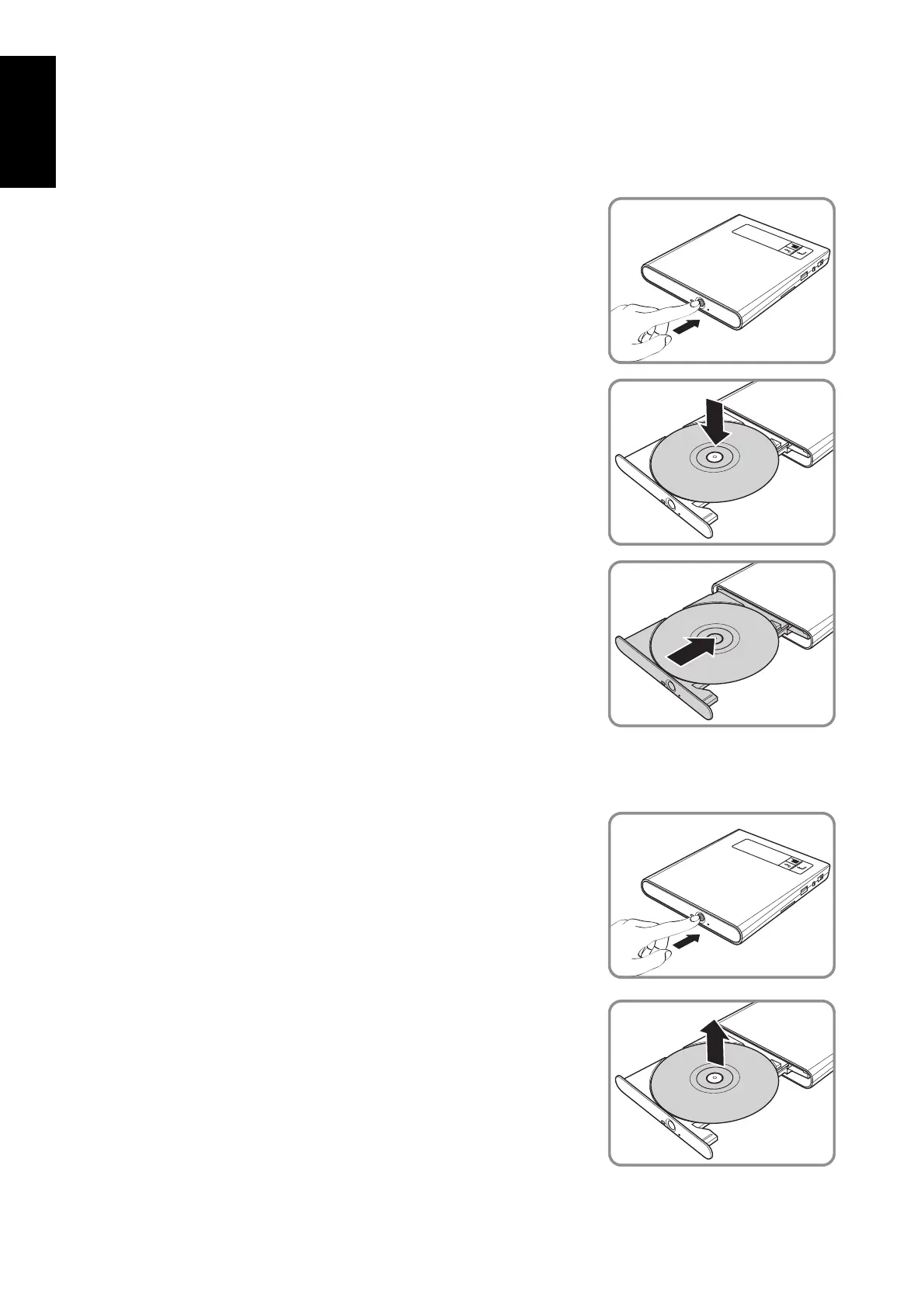
Placing a Disc
Connect the AC/DC adapter and turn on the drive.1.
Press the 2. Eject button to eject the tray.
Place the disc on the tray.3.
Close the disc tray.4.
The LED blinks green for few seconds and then turns off, this
indicates that the drive is ready.
Removing a Disc
Press the 1. Eject button to eject the tray.
Remove the disc.2.
Close the disc tray.3.


 To Next Page
 Loading...




