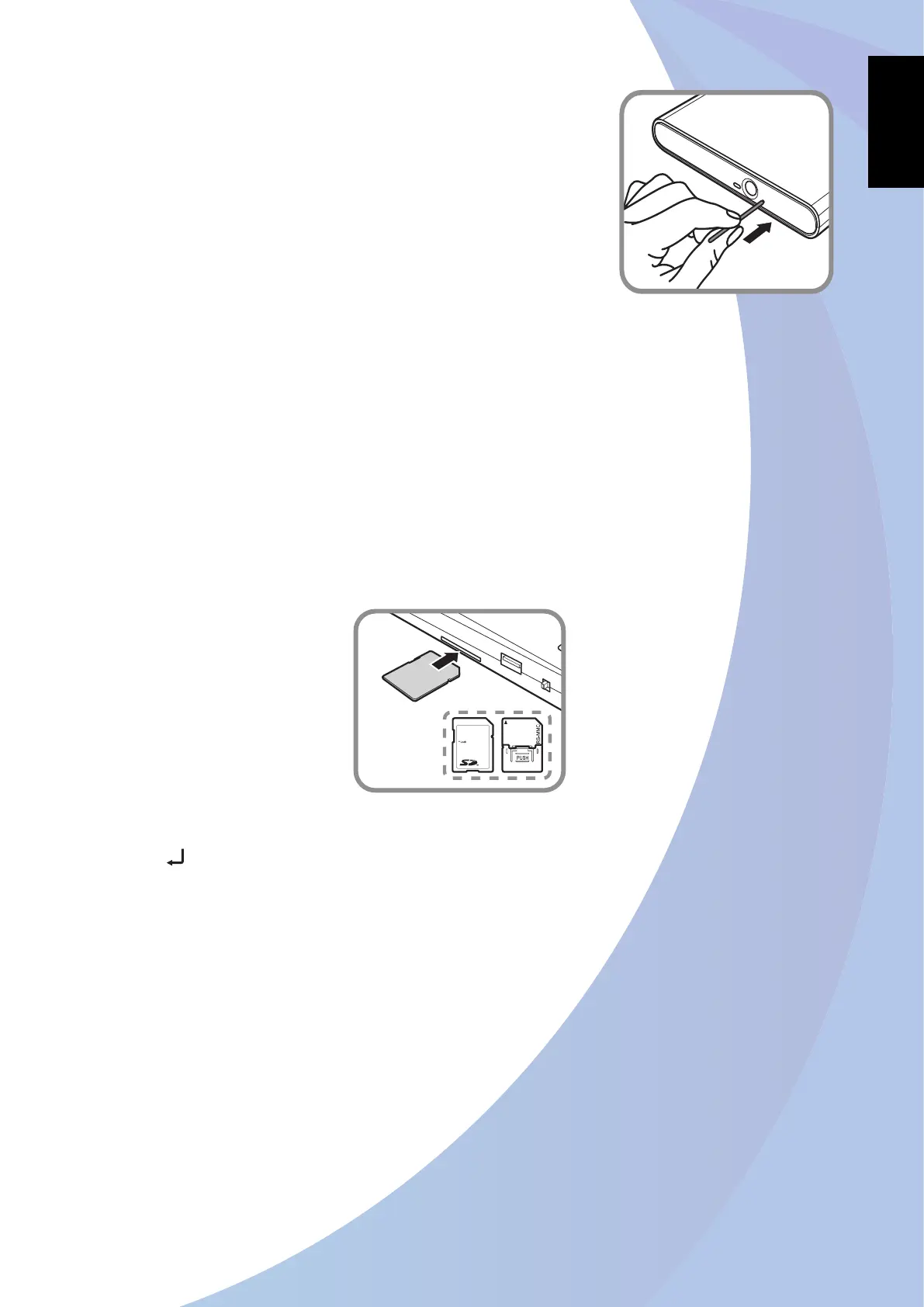
Manual Ejection
If the Eject button fails to work properly, insert a paper clip
into the Pin Hole Eject to open the tray.
Note:
Be sure that the drive is turned off before performing the manual
ejection.
Using the Card Reader
The card reader supports SD, SDHC, and MMC memory cards.
Inserting a memory card
Connect the AC/DC adapter.1.
Turn on the drive and insert a disc into the tray. Refer to 2. “Placing a Disc” on the previous
page.
Insert a memory card into the memory card slot.3.
The drive automatically detects the memory card and a message similar to “4. SD -> DVD+R.
Press to Start” should appear on the LCD display.
To copy the memory card data, refer to “Backup from Memory Card to Disc” on page 18.
Note:
If there is no disc inserted into the drive, an “• SD -> Disc. Insert Disc” message appears on the LCD
display.
The displayed message varies depending on the connected device, current operation, and disc type.
•
Removing a memory card
Pull the memory card out from the slot.


 To Next Page
 Loading...




