Connecting to Other Device
External ODD Operation Mode
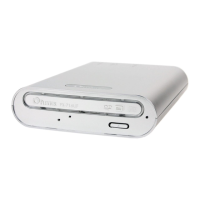
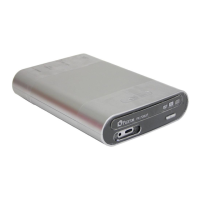
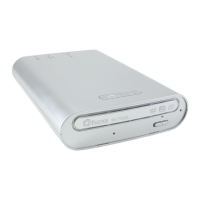
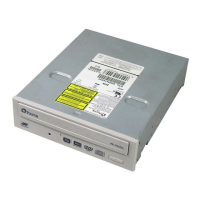
This drive is specifically designed as an external ODD (optical disk drive) for notebook.
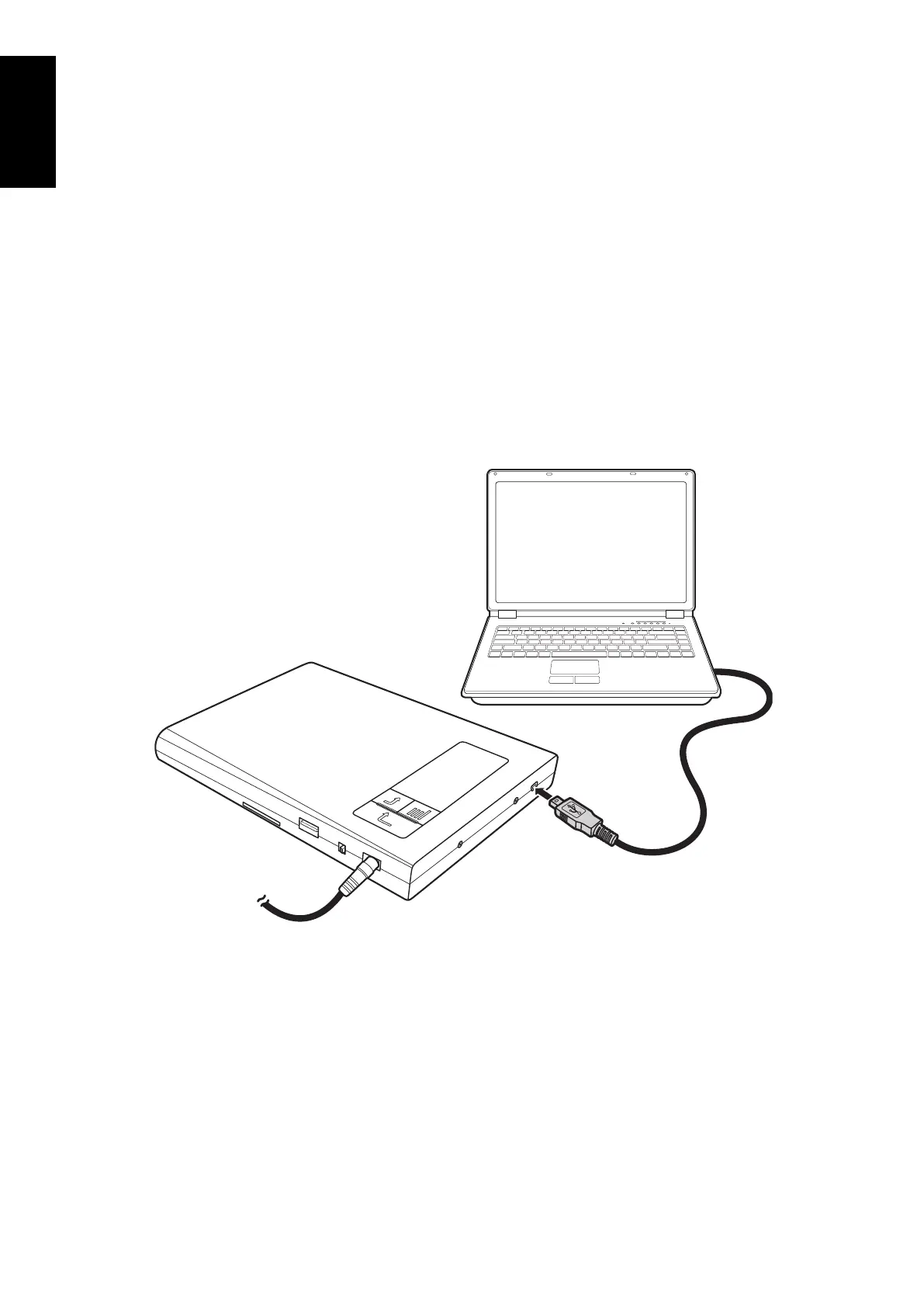
Connect one end of the USB cable to the mini USB port of the drive.1.
Connect the other end of the USB cable to the USB port of your notebook.2.
Connect the AC/DC adapter (optional).3.
Note:
It is not necessary to connect the AC/DC adapter when connecting to PC.
•
If your notebook cannot supply the standard USB2.0 power, you can use the AC/DC •
adapter as the auxiliary power source.
Turn on the drive. A “4. PC MODE” message appears on the LCD display.
To access the disc data, refer to “Reading Disc” on page 16.
Note:
The “PC MODE” message will only appear if you are using the AC/DC adapter when connecting to PC.


 To Next Page