(5)
T09149
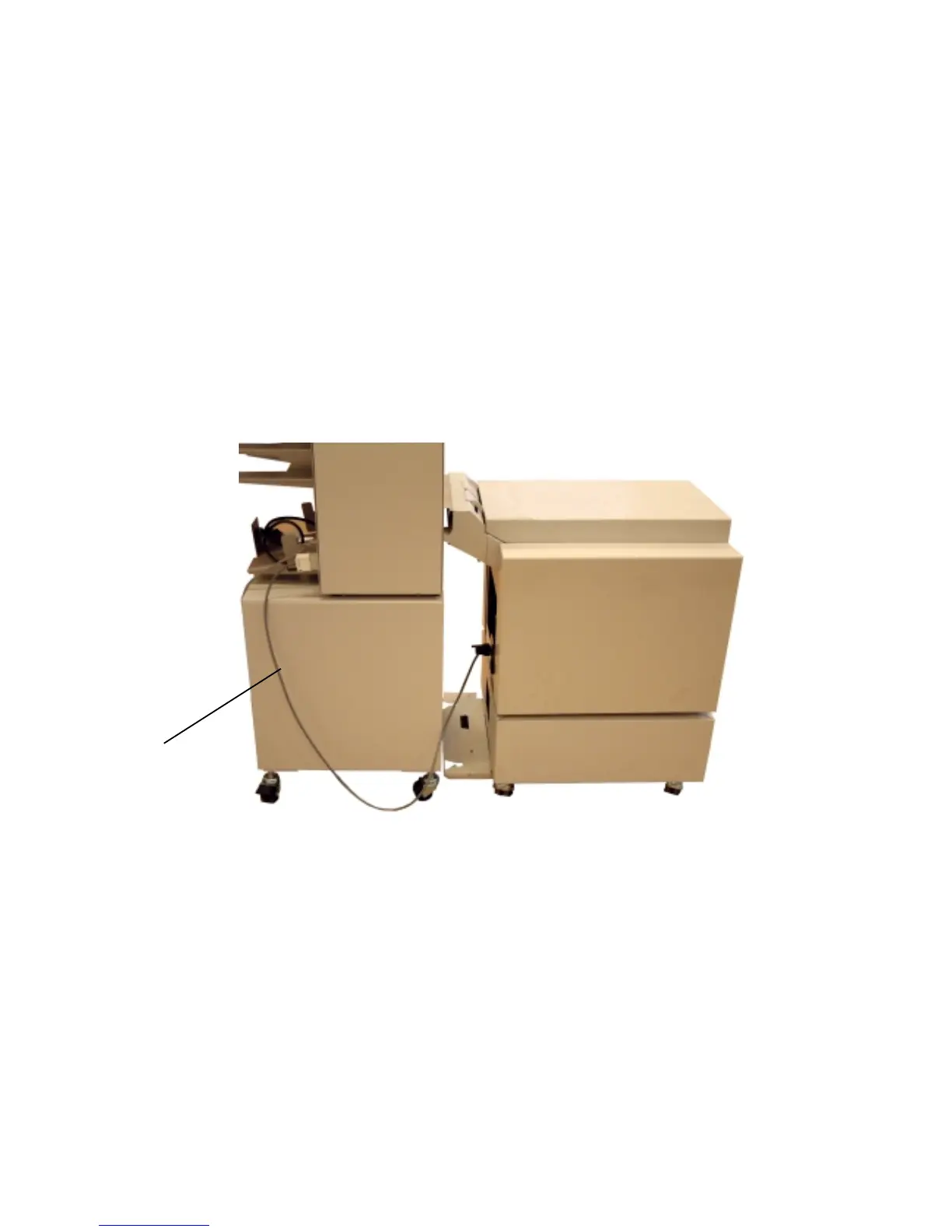
Install the Model 306/310 to SR85.
1. Switch off the main power switch.
2. Disconnect the communication cable between the copier finisher
and SR85.
3. Roll the SR85 off the rails and place the SR85 against the Model
306/310.
4. Mount the communication cable (1) between Model 306/310 and
SR85 .
5. Switch on the main power switch.
1
4



 To Next Page