29
PS1_0002 [EN]
To stop using the device in the middle of
a session
Hold down the Action Button
for at least two seconds to shut
o the heater. Then, make sure
that all of the Status Indicator
LEDs are turned o before
removing the tobacco stick. If
you simply remove the tobacco
stick during heating, the heater
will not shut o.
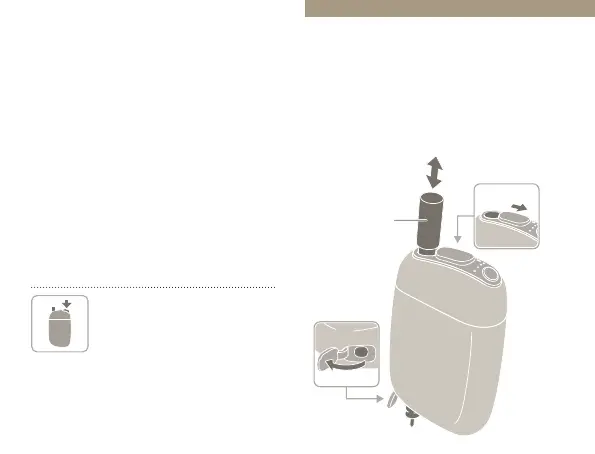
Cleaning
Cleaning is recommended whenever
you notice any foreign particles,
stains, etc.
*
Use the separately sold Cleaning Brush.
Cleaning Cover
Cleaning Brush
(sold separately)
Sliding Cover


 To Next Page