33
PS1_0002 [EN]
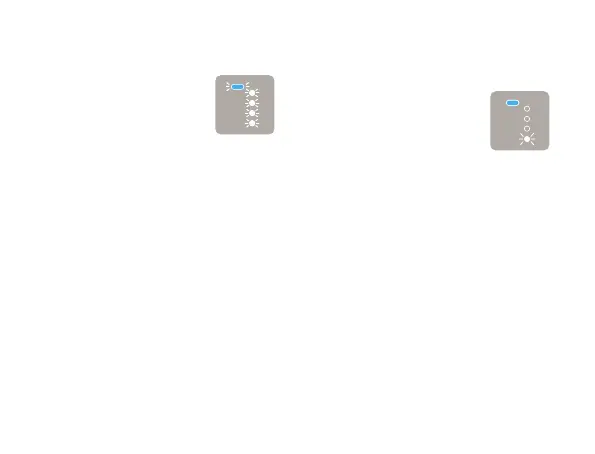
When you try to charge the battery,
all of the LEDs flash continuously.
This error may occur when the
battery is completely depleted
(the LEDs will not light up even
when you hold down the Action
Button with the Sliding Cover
closed) and you try to charge
it using a product other than
the dedicated AC Adaptor
and Micro USB Cable. The
device will not charge under
these conditions. Charge the
battery using the dedicated AC
Adaptor and Micro USB Cable.
When you check the remaining
battery level, one of the Status
Indicator LEDs flashes.
The remaining battery level is
extremely low.
Please charge the battery
(Page18). If charging does
not resolve the issue, there may
be a malfunction. Discontinue
use of the device and contact
“Ploom Exclusive Customer
Service” (back cover).



 To Next Page