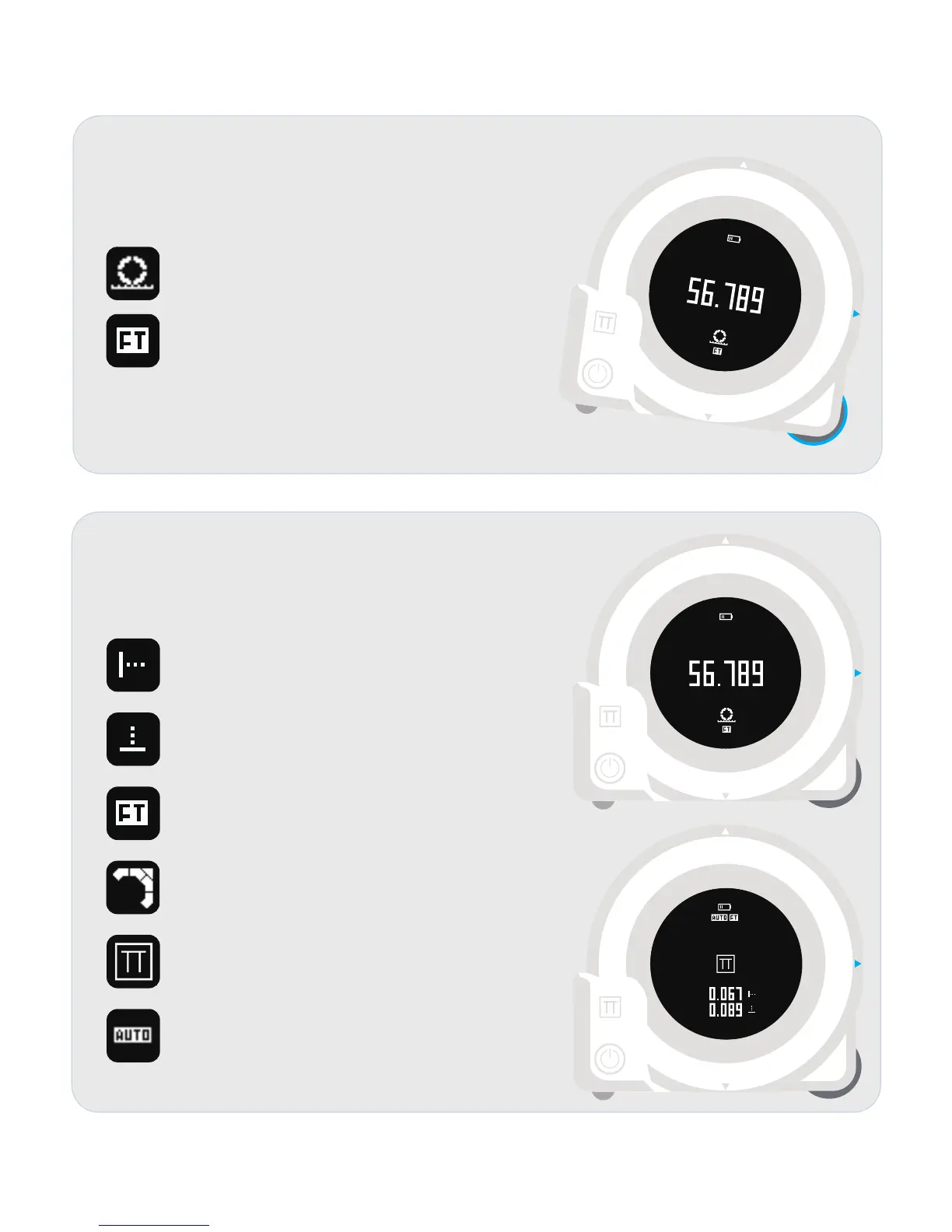
Wheel Measurement View
CUBIT will enter wheel measurement view once the
wheel is rotated.
Indicates the CUBIT is working in wheel mode.
Indicates the CUBIT is using FEET as its unit.
* FEET is the default unit.
* Working with Plott App and it can help to change to other units.
GUIDE View
CUBIT will enter laser measurement view once the
laser measurement button is pressed.
Indicates the direction of the following values are
for the LEFT LASER(X LASER currently) .
Indicates the direction of the following values are
for the DOWN LASER(Y LASER currently) .
Indicates the CUBIT is using FEET as its unit.
Indicates the CUBIT is guiding you to move to
top- left conner.
Indicates the CUBIT is showing you
current guidance point is matched.
Indicates the laser distance auto compensation
mode is enabled.
This function is disabled in default and can be
turned on via Plott App.


 To Next Page