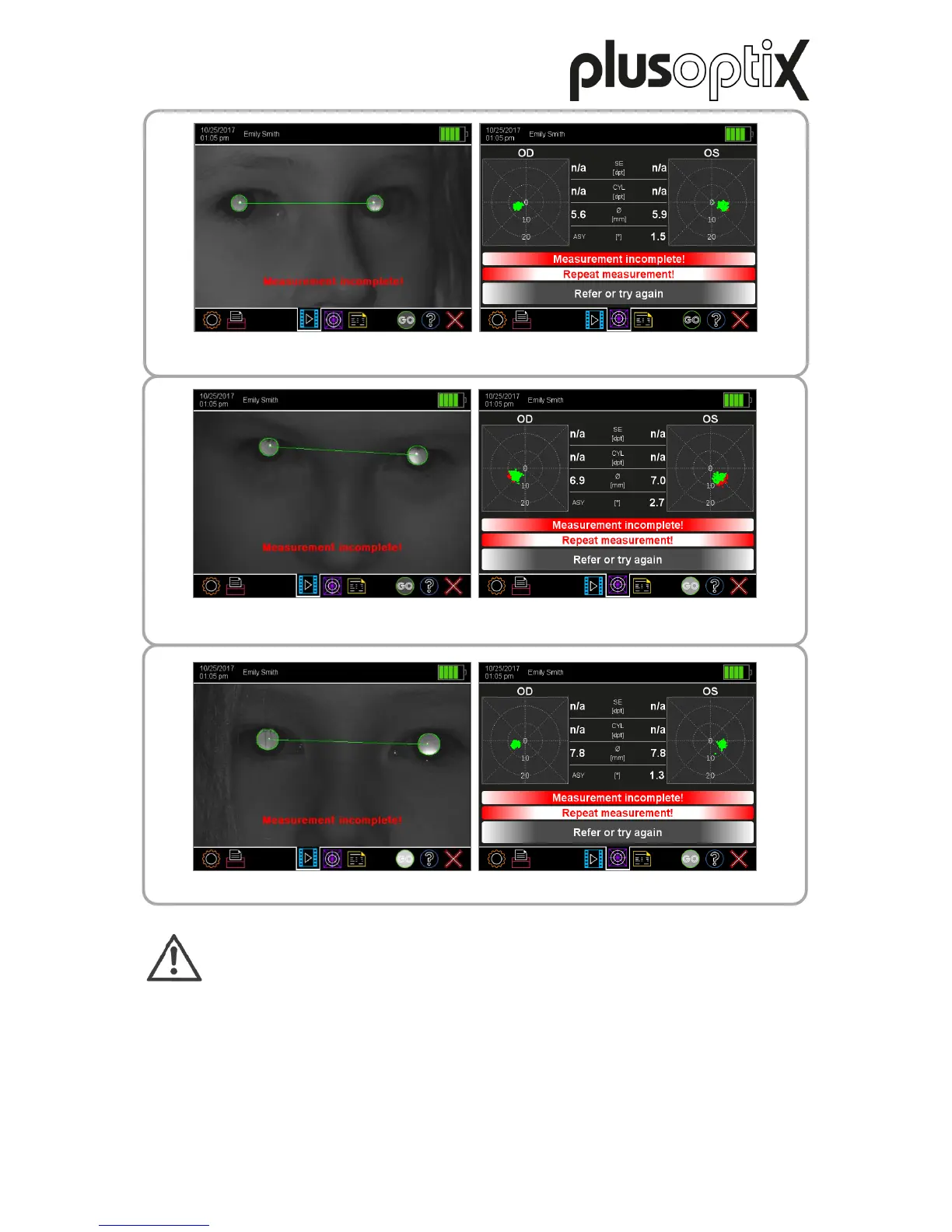
In this example, the patient is sitting at an angle to the camera and looking over his right
shoulder a little. You can see this from the fact that his nose can be seen from the side.
In this example, the patient has tilted their head downwards and is looking up into the
camera. The pupils are partially covered by the upper eyelids.
Note:
The error message “Measurement incomplete!” can have many other causes
(e.g. scars on the cornea, media opacities, cataracts, keratoconus, retinal
detachments, etc.). For this reason, the camera image must be checked in case
of this error message.
Cause: This error message is displayed when the measurement has started, but could
not be completed.
Reason: After a measurement has begun, this must be completed within 20 seconds.
Tip: Start the measurement again immediately by pressing the trigger twice.
Position the child so that their knees and nose are facing the camera. Ask the
child to lift their head or hold the Plusoptix Vision Screener lower down.



 To Next Page