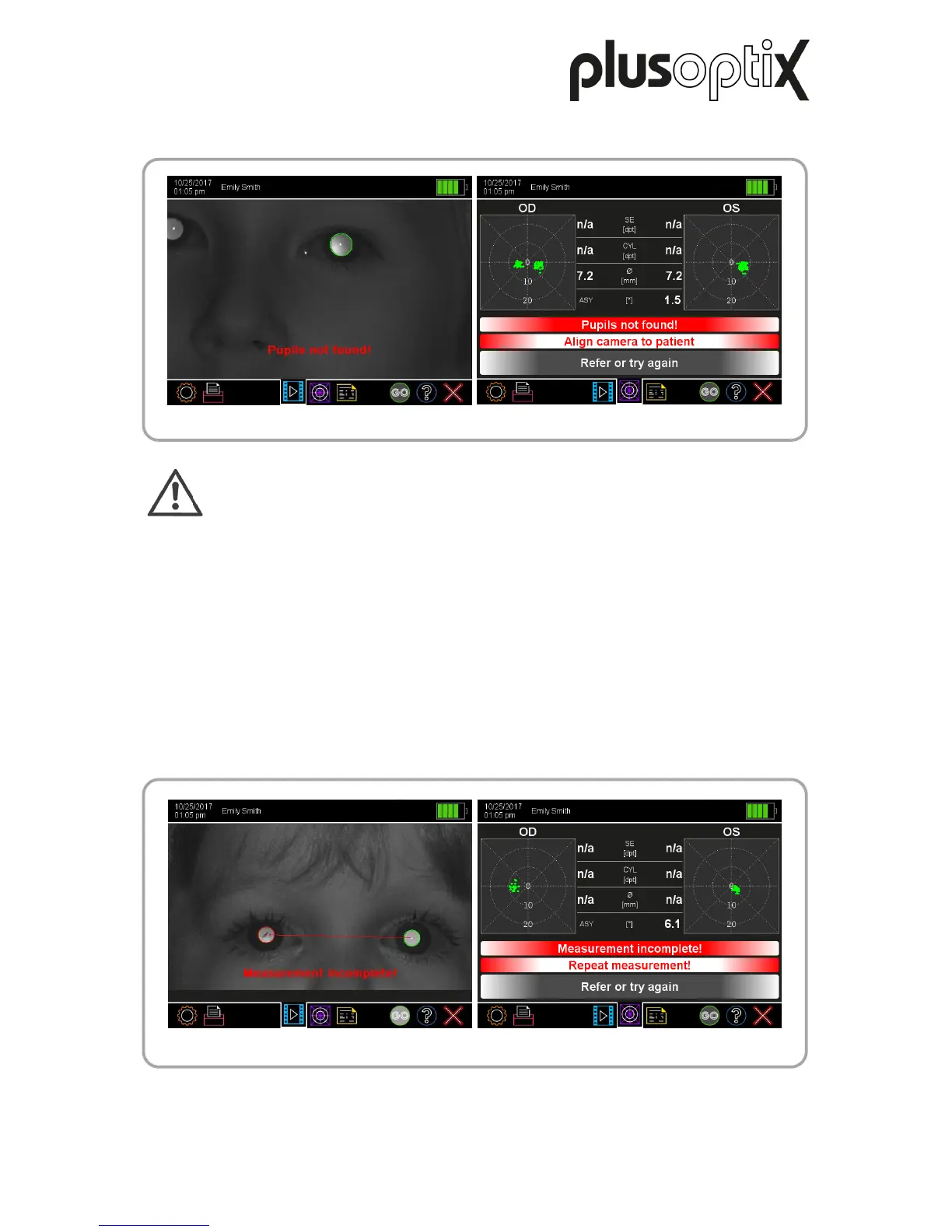
f) Pupils not found!
Note:
The error message “Pupils not found!” can have many other causes (e.g. scars
on the cornea, media opacities, cataracts, keratoconus, retinal detachments,
etc.). For this reason, the camera image must be checked in case of this error
message.
Cause: This error message is displayed if the software cannot recognise pupils in the
camera image, the pupil reflex looks unusual or the pupils are partially covered
by reflections, hair, eyelashes or eyelids.
Reason: To be able to take a measurement, both pupils must be fully visible and the
infrared light of the camera must be reflected by the retina.
Tip: Brush long hair out of the face before taking the measurement. Ask the child to
open their eyes wide or lift their chin if they are looking shyly to the ground.
g) Measurement incomplete!



 To Next Page