Page 3/14
Short manuals
www.plusoptix.com/user-manuals
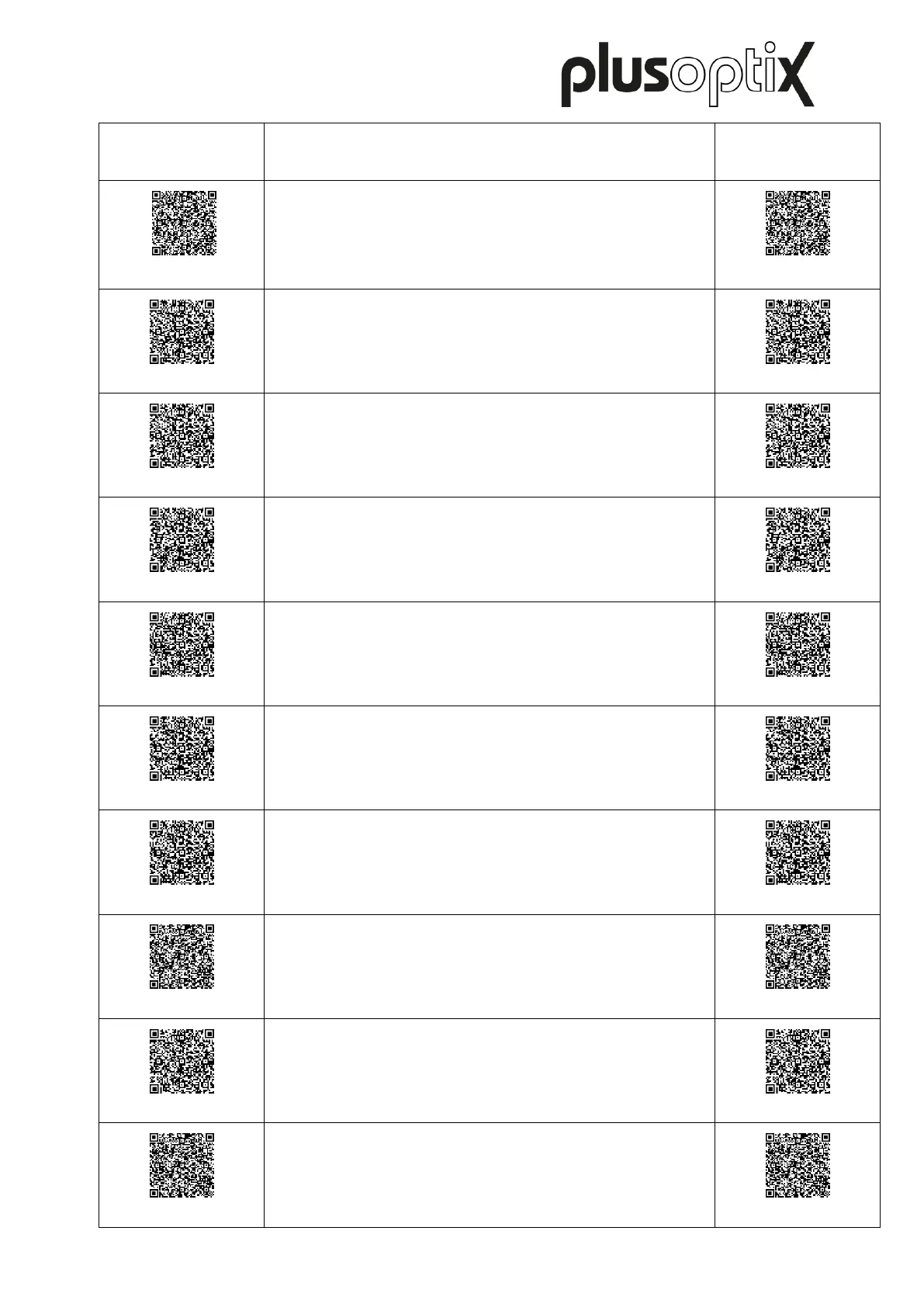
Short manual 1
Checking the scope of delivery and getting to know the
device
Short manual 2
Adjusting settings and setting up WLAN
Short manual 3
Preparing and performing a measurement
Short manual 4
Viewing the measurement results
Short manual 5
Entering, retrieving or deleting patient data
Short manual 6
Documenting measurement results electronically
Short manual 7
Documenting measurement results on paper
Short manual 8
Exporting back-ups and reports
(only plusoptiX S12C and S16)
Short manual 9
Downloading software updates
Short manual 10
Troubleshooting malfunctions and measurement
interruptions



 To Next Page