4
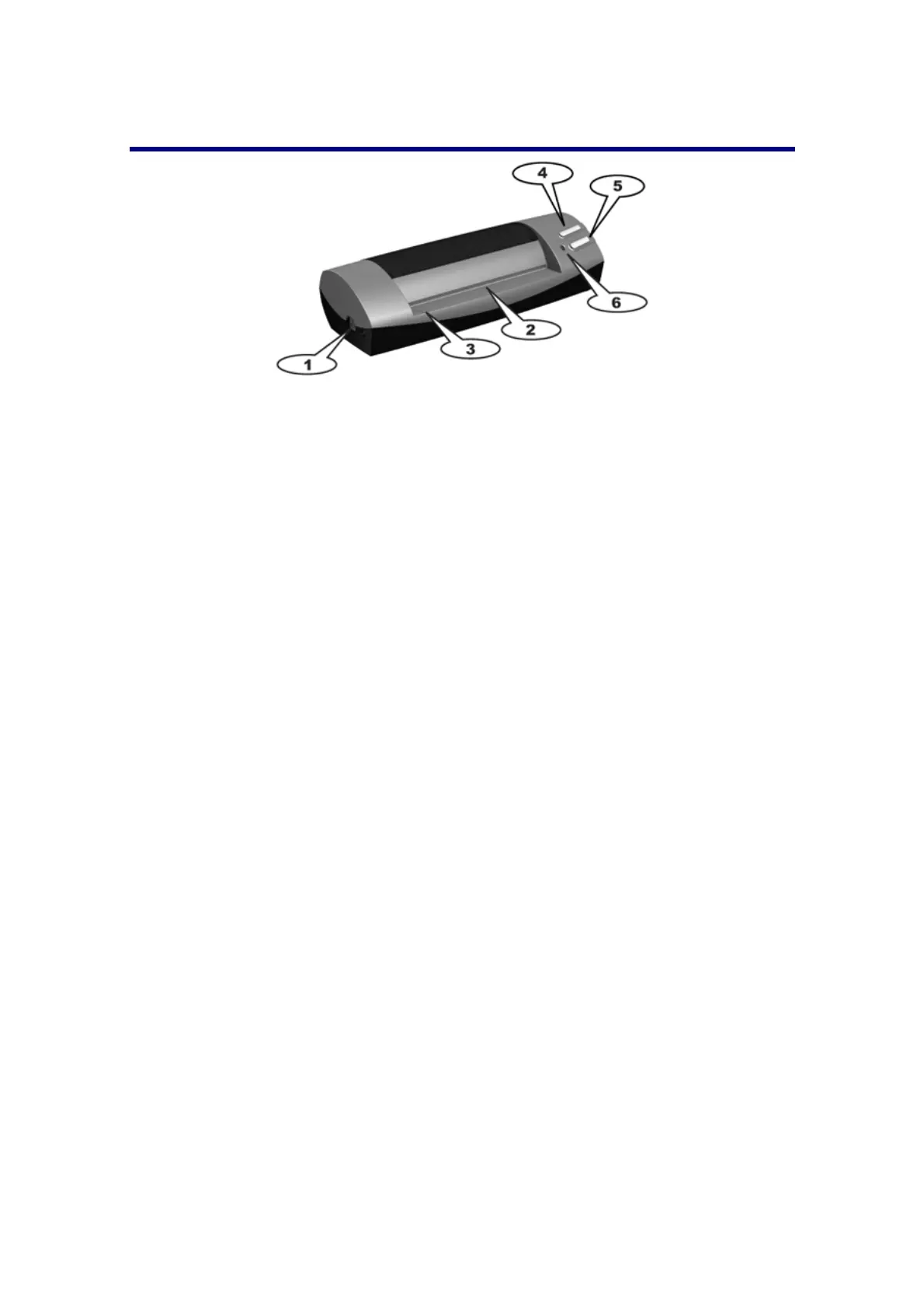
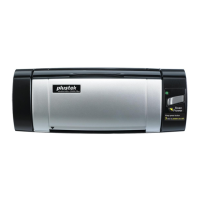
Scanner Overview
1. USB port: It connects the scanner to a USB port on your computer by the included
USB cable.
2. Page feed slot: Feed the document into the scanner from this direction. You can
feel the document being grabbed by the scanner.
3. Alignment arrow: Always align the edges of your documents to this arrow sign.
4. SCAN button: Press this button to start scanning and save the images into your
computer.
5. Custom Button: Press to perform a predefined scanning task.
6. LED indicator: It indicates the scanner’s current status.








 To Next Page