0.00.39
INTRODUCTION
ForSimulatorUseOnly DONOTDUPLICATE 01OCT08
PMDG MD-11
Push-Pull Operations:
Push-Pull operations apply to pushbuttons and knobs that can be either
pushed or pulled in order to effectuate an action. One of three cursor
shapes will appear when the mouse is placed over a pushbutton or
knob that fits into this category:
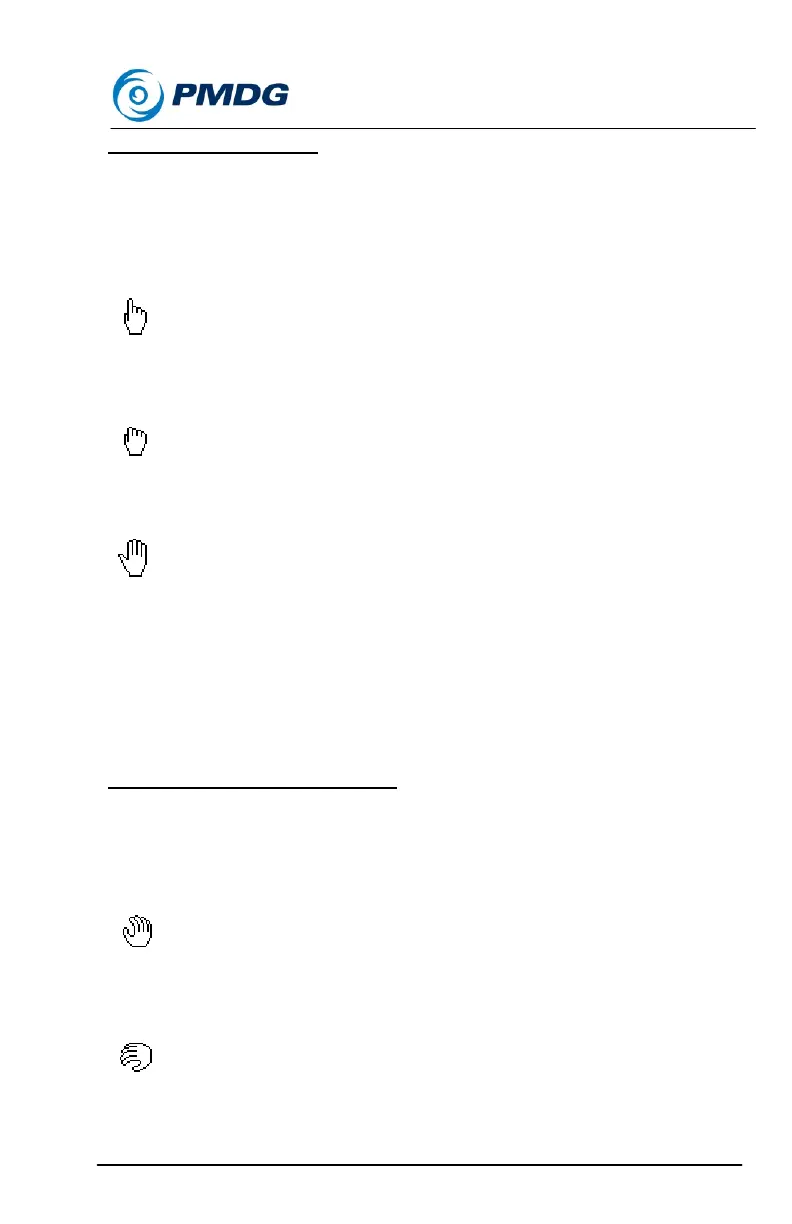
Push-Only cursor:
Only push operation is applicable. Use left mouse button.
Pull-Only cursor:
Only pull operation is applicable. Use right mouse button.
Push or Pull cursor:
Both push and pull operations are applicable. Use left mouse button to
push or right mouse button to pull.
The push or pull icon will change to reflect the operation selected by the
user. For example, if the left mouse button is pressed the cursor will
change to the “push” cursor, and if the right mouse button is pressed the
cursor will change to the “pull” cursor.
Knob/Switch Turn Operations:
Knob/Switch turning can apply to knobs, dials, wheels and switches that
must be turned or rotated. Three different cursor shapes will appear
when the mouse is placed over the knob.
Rotate cursor:
Press either the left mouse button or turn the mouse wheel down to
turn the knob to the left. While doing so the cursor will also rotate to the
left as seen below:


 To Next Page
 Loading...